
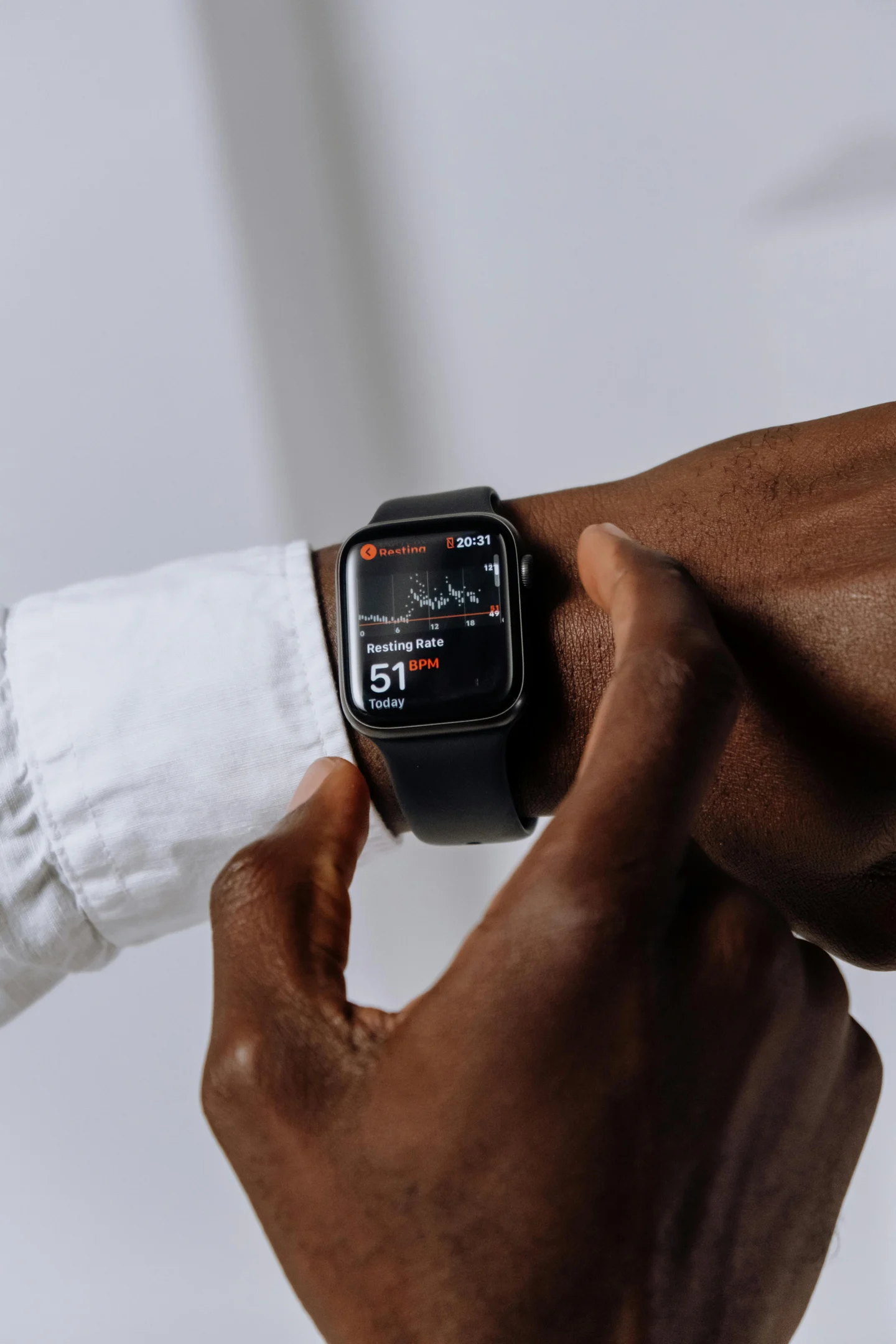
Apple Watch Swimming Heart Rate Accuracy: Why It Drops and How to Fix It

You are mid-set, pushing through a brutal 200m interval, and you flip your wrist at the wall to check your effort. Instead of a clear number telling you you’re in Zone 4, you see a faded, greyed-out icon, or worse—nothing at all. If you have ever wondered about Apple Watch swimming heart rate accuracy, you are not alone. As a coach, this is the number one complaint I hear from athletes moving from dry land to the pool.

Water and optical sensors are natural enemies. However, understanding why your real-time heart rate disappears during swimming allows you to easily optimize your settings and form to get dead-accurate data on your next swim session.

Apple Watch Swimming — What It Actually Tracks

When you jump into the pool or dive into open water, the native Apple Watch Swim workout app shifts its tracking algorithms.

  • In the Pool: The watch relies heavily on its internal accelerometer and gyroscope. It detects your stroke type (freestyle, breaststroke, backstroke, butterfly), counts your laps by identifying the sudden acceleration of a wall push-off, and calculates your SWOLF (efficiency score).

  • In Open Water: The watch activates its GPS to track your route, mapping data points every time your wrist clears the recovery phase of your stroke.

Throughout both workouts, the watch attempts to continuously measure your heart rate using Photoplethysmography (PPG)—the green LED lights on the back of the casing. But while mechanical lap counting is nearly flawless, underwater heart rate monitoring faces unique physical barriers.

Real-World Accuracy & Performance

Let’s talk numbers. Based on comparative testing against clinical-grade chest straps (like the Polar Verity Sense), the Apple Watch swimming heart rate accuracy sits comfortably between 85% to 92% under optimal conditions. For a wrist-based optical sensor submerged in turbulent water, that is an impressive engineering feat.

However, it is not perfect. The sensor works by flashing green light into your skin to measure changes in blood volume. When water gets between the sensor and your skin, it refracts the light, causing the signal to drop.

Real Scenario 1: The "Greyed Out" Push-Off

You hit the wall hard, execute a tight flip turn, and push off with maximum force. That sudden rush of water drags against your watch casing, lifting it a fraction of a millimeter off your skin. The green light leaks into the water pool, the sensor loses the pulse signal, and your real-time heart rate instantly goes grey.

Real Scenario 2: Open Water Cold Drift

In open water, cold temperatures cause peripheral vasoconstriction—your blood vessels constrict to keep your core warm. Because there is less blood flowing through your wrist capillaries, the Apple Watch struggles to read a pulse, causing your heart rate graph to show a flatline or massive gaps during the first ten minutes of your swim.

Common Problems & Misconceptions

Misconception: "Apple Watch turns off heart rate to save battery in water."

The Truth: This is completely false. The watch does not throttle your heart rate sensor to preserve battery life when you activate a swimming workout. The drops you see are entirely mechanical and optical failures caused by water interference or improper fit.

Issue 1: "Why is Apple Watch heart rate greyed out while swimming?"

When the text is greyed out, it means the watch is displaying your last known heart rate reading because it cannot currently establish a live pulse lock.

Issue 2: Heavy Forearm Flexing

If you grip the water aggressively or use hand paddles, the tendons in your wrist flex heavily. This changing muscle shape repeatedly breaks the flat seal of the Apple Watch sensor against your skin.

How to Improve Tracking Accuracy (Coach-Level Tips)

You do not need to buy a separate chest strap to fix this. A few simple adjustments to your device usage and swimming technique can stabilize your readings.

Adjustment Type

Actionable Step

Why It Works

Placement

Move the watch one inch up your forearm, away from the wrist bone.

This positions the sensor over a meatier part of your arm with better blood flow and less tendon movement.

Band Tightness

Cinch the band one notch tighter than your daily wear style.

This physically blocks water from rushing under the sensor casing during high-speed push-offs.

Band Material

Swap nylon loops for a Sport Band or Solo Loop.

Silicone does not absorb water or stretch mid-swim, keeping the casing locked in place.

Pre-Swim Lock

Turn on Water Lock after your skin is slightly damp but before diving in.

Securing the watch onto a slightly damp wrist creates a hydraulic seal that keeps air bubbles out.

Best Use Cases

Who should rely on Apple Watch swimming heart rate?

  • Endurance & Fitness Swimmers: If your goal is staying within your aerobic or fat-burning cardio zones during continuous sets, the Apple Watch provides excellent, stable data.

  • Open Water Lifelong Learners: It gives a great bird's-eye view of your overall cardiovascular exertion across long distances.

Who should NOT rely on it?

  • Elite Sprinters: If you are running ultra-short 25m or 50m max-effort repeats with strict rest intervals, the lag time inherent to optical sensors will not give you the sub-second accuracy you need at the wall.

Apple Watch Ultra vs. Standard Models


+-----------------------------------+-----------------------------------+
| Apple Watch Series 9 / 10 / X     | Apple Watch Ultra 1 / 2           |
+-----------------------------------+-----------------------------------+
| Light, low-profile casing         | Bulky, high-profile titanium frame|
| Less drag in the water            | Increased water resistance        |
| Standard dual-LED array           | Larger sensor surface area

+-----------------------------------+-----------------------------------+
| Apple Watch Series 9 / 10 / X     | Apple Watch Ultra 1 / 2           |
+-----------------------------------+-----------------------------------+
| Light, low-profile casing         | Bulky, high-profile titanium frame|
| Less drag in the water            | Increased water resistance        |
| Standard dual-LED array           | Larger sensor surface area

Does the premium Apple Watch Ultra track heart rate better in water? Yes, but not for the reason you think.

The Ultra uses a identical base PPG sensor technology as the standard models. However, its heavier, wider titanium case creates a more stable anchor on your forearm. It resists shifting during turbulent arm entries much better than the featherweight aluminum models.

Recommendation: If you predominantly swim in rough open water, the Ultra's physical stability yields fewer data gaps. For daily pool lap swimming, the standard Series models are perfectly sufficient—provided you tighten the strap.

Best Apple Watch Swimming Apps


+------------------+-----------------------------+-----------------------------+
| Feature          | Native Apple Workout App    | MySwimPro / Swim.com        |
+------------------+-----------------------------+-----------------------------+
| HR Refresh Rate  | High (Prioritized by watch) | Medium (Battery optimized)  |
| Custom Workouts  | Basic Structure             | Advanced Guided Sets        |
| Cost             | Free (Built-in)             | Subscription Required

+------------------+-----------------------------+-----------------------------+
| Feature          | Native Apple Workout App    | MySwimPro / Swim.com        |
+------------------+-----------------------------+-----------------------------+
| HR Refresh Rate  | High (Prioritized by watch) | Medium (Battery optimized)  |
| Custom Workouts  | Basic Structure             | Advanced Guided Sets        |
| Cost             | Free (Built-in)             | Subscription Required

While third-party apps offer incredible guided workouts, the native Apple Workout App remains the absolute king for heart rate reliability.

Apple restricts background sensor access frequency for third-party developers to protect battery life underwater. The native app has direct, unthrottled access to the watch’s processing core, ensuring the green LEDs fire at maximum frequency throughout your swim. If you want fewer greyed-out moments, stick to the built-in app.

FAQ

Why can't I see my heart rate while swimming on Apple Watch?

Your watch has likely lost physical contact with your skin or water has leaked under the sensor. Tighten your band by one notch and ensure it is placed above your wrist bone.

How to fix Apple Watch not tracking heart rate in pool?

Before you hit start, dry your wrist quickly, secure the silicone band tightly, launch the workout, and immediately let Water Lock engage. This minimizes water circulation under the sensor.

Does Apple Watch track heart rate accurately underwater?

Yes, it maintains an 85% to 92% accuracy rate compared to chest straps, assuming the watch is tightly secured to prevent water refraction.

Why does Apple Watch stop measuring heart rate during swim?

Sudden arm movements, flip-turn push-offs, or wrist flexing change the shape of your forearm, allowing water to momentarily lift the watch and break the optical sensor link.

Is the Apple Watch Ultra better for swimming heart rate?

The Ultra provides a more stable fit due to its wider surface area, which helps prevent the watch from shifting during aggressive strokes, resulting in fewer dropped readings.

Can I use a chest strap with Apple Watch while swimming?

Yes. You can pair a waterproof bluetooth chest strap (like the Polar H10) to your Apple Watch. However, note that Bluetooth signals do not transmit through water; the data will sync to your watch only after you surface.

The Verdict

Your Apple Watch is a highly capable swimming tool, but it cannot fight physics. If you are tired of looking at a greyed-out screen, stop wearing your watch like a casual timepiece. Treat it like a piece of training equipment. Cinch it tight, move it up your arm, and lock out the water. Your training logs will thank you.