Apple Health
Bring in your swim workouts from Apple Health.
Track pool and open-water workouts with SWOLF, stroke rate, pace, and more. SwimNow turns every swim into clear training insights—so you can train smarter and swim faster.

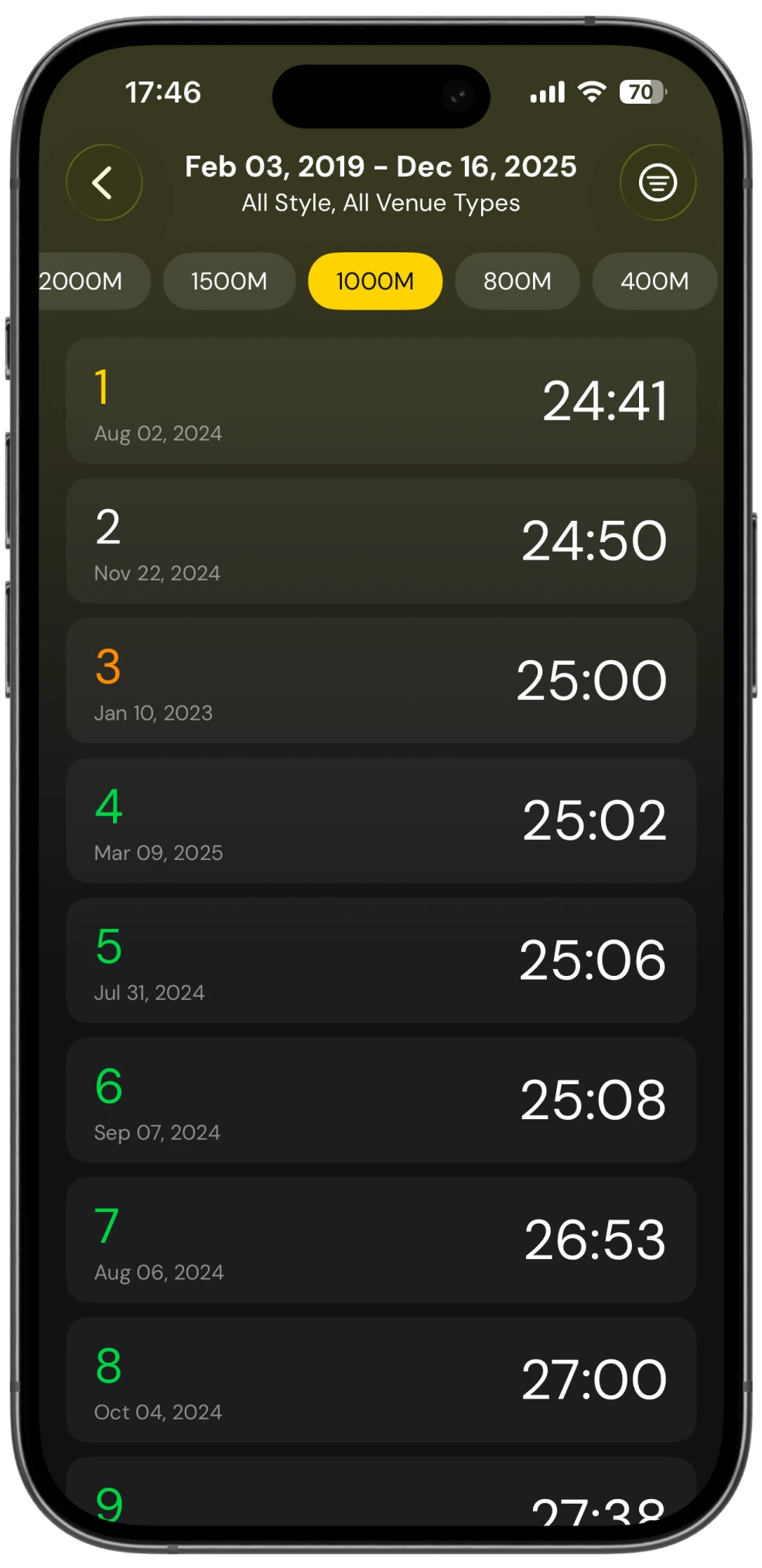
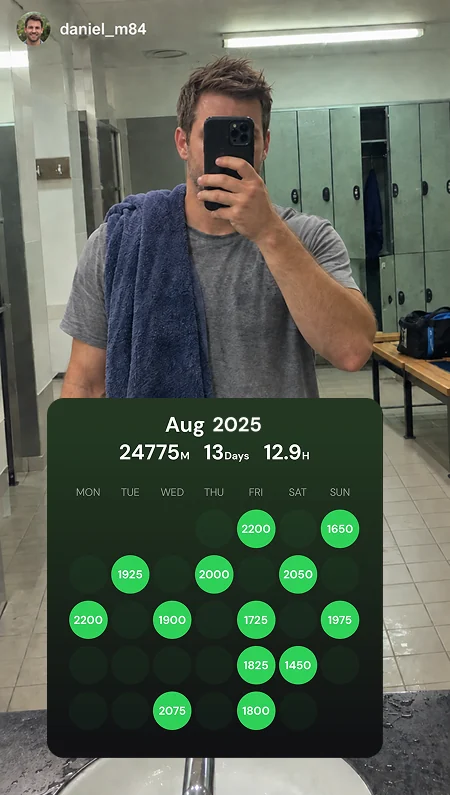
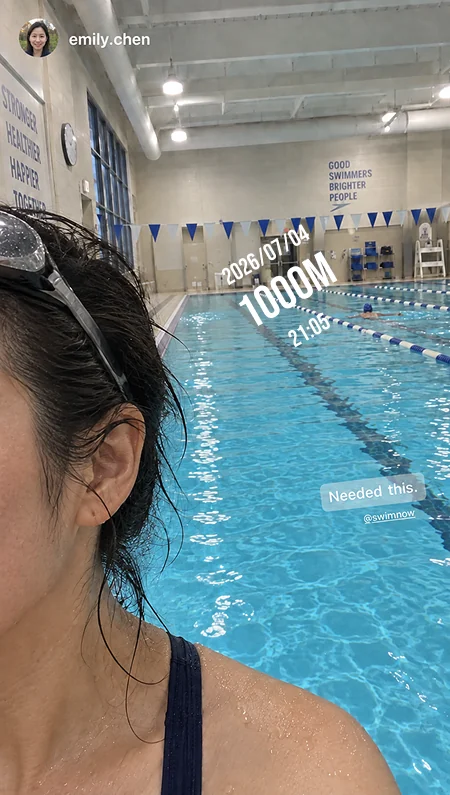
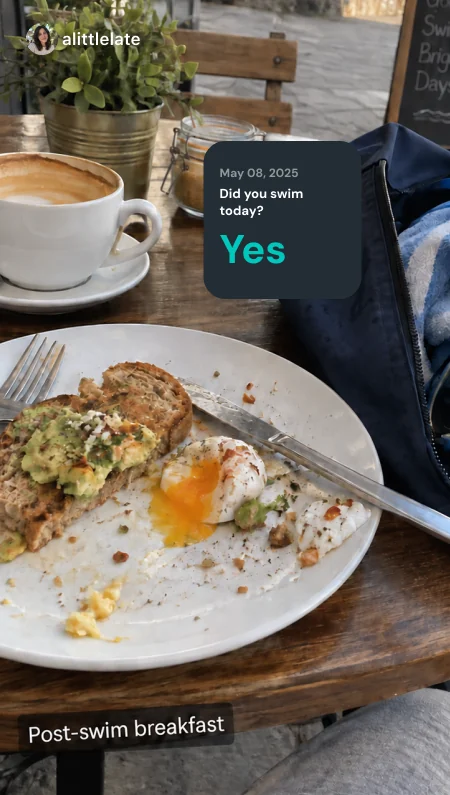
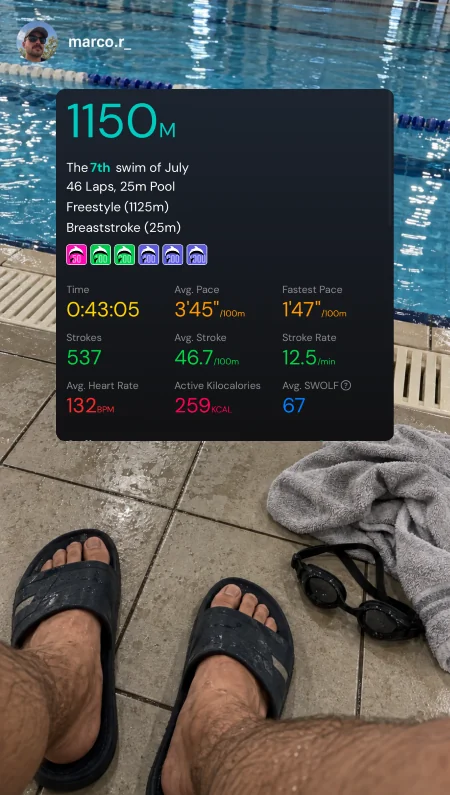
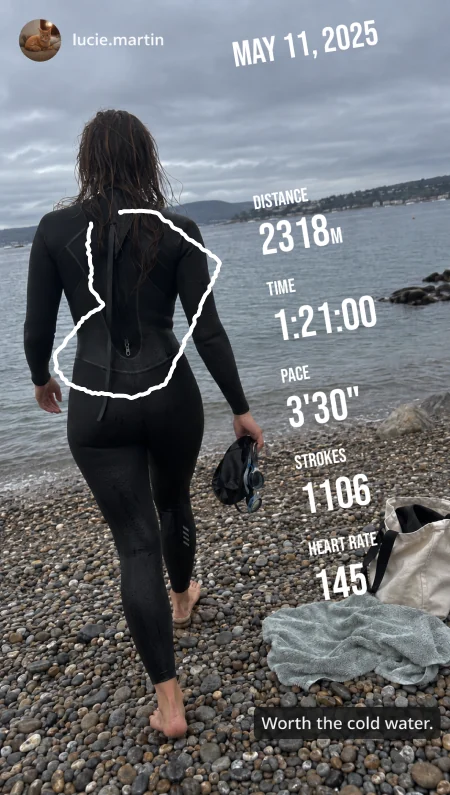
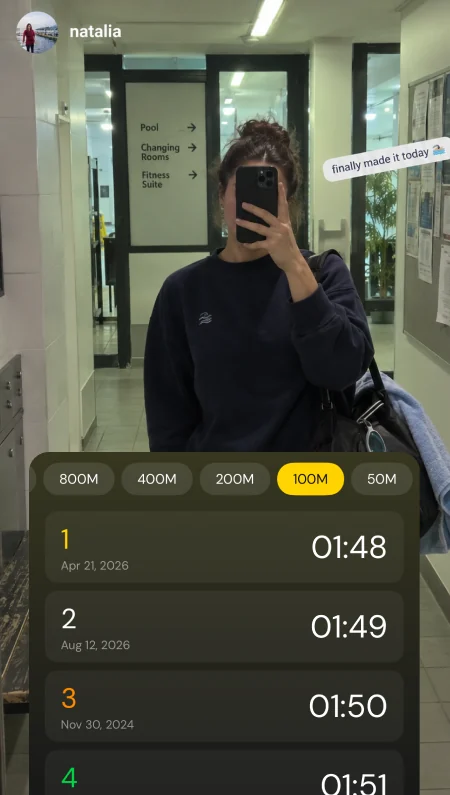
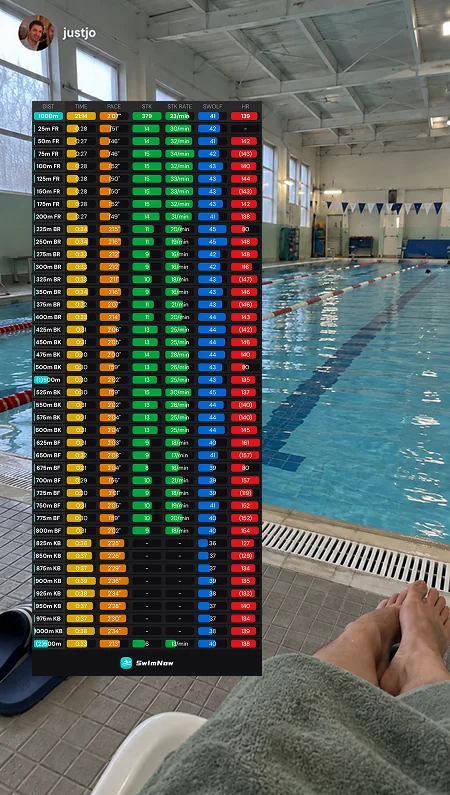
SwimNow supports swim data from Apple Health and Garmin.
Bring in your swim workouts from Apple Health.
Connect your Garmin account to sync swim activities.
Quickly review your apple watch swimming case.
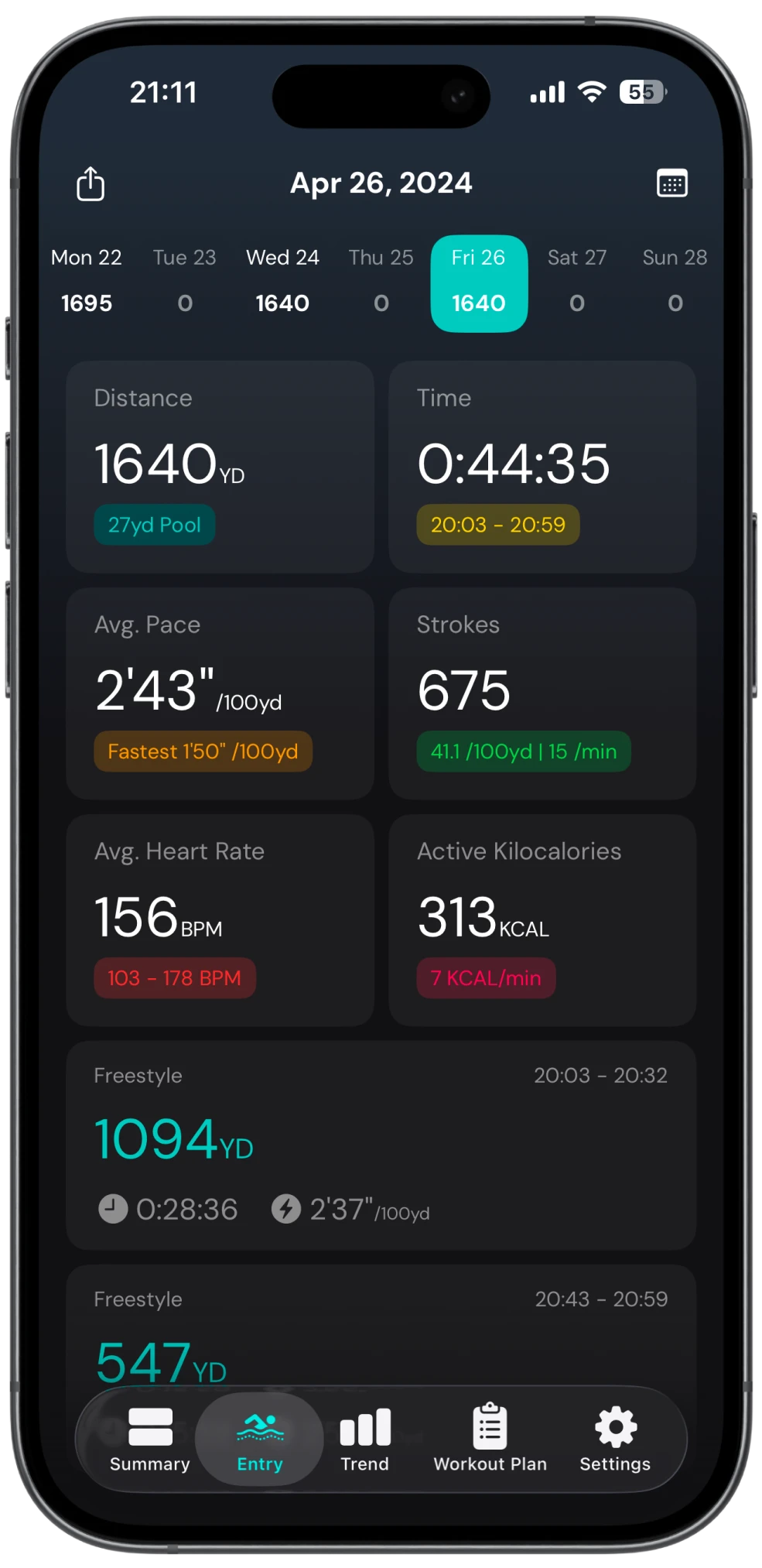
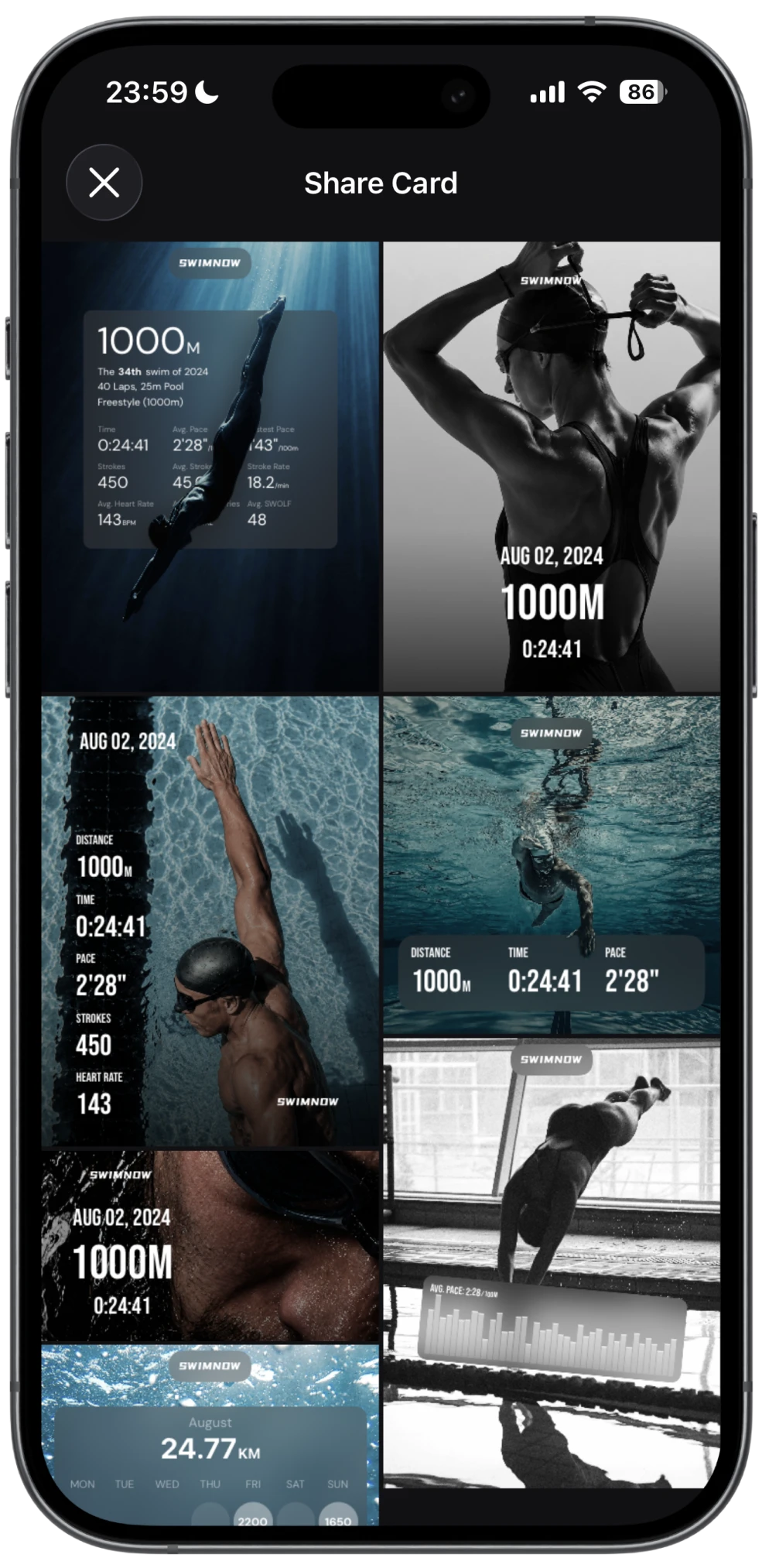
Celebrate your swimming milestones with colorful stickers and build a collection that tells your story.
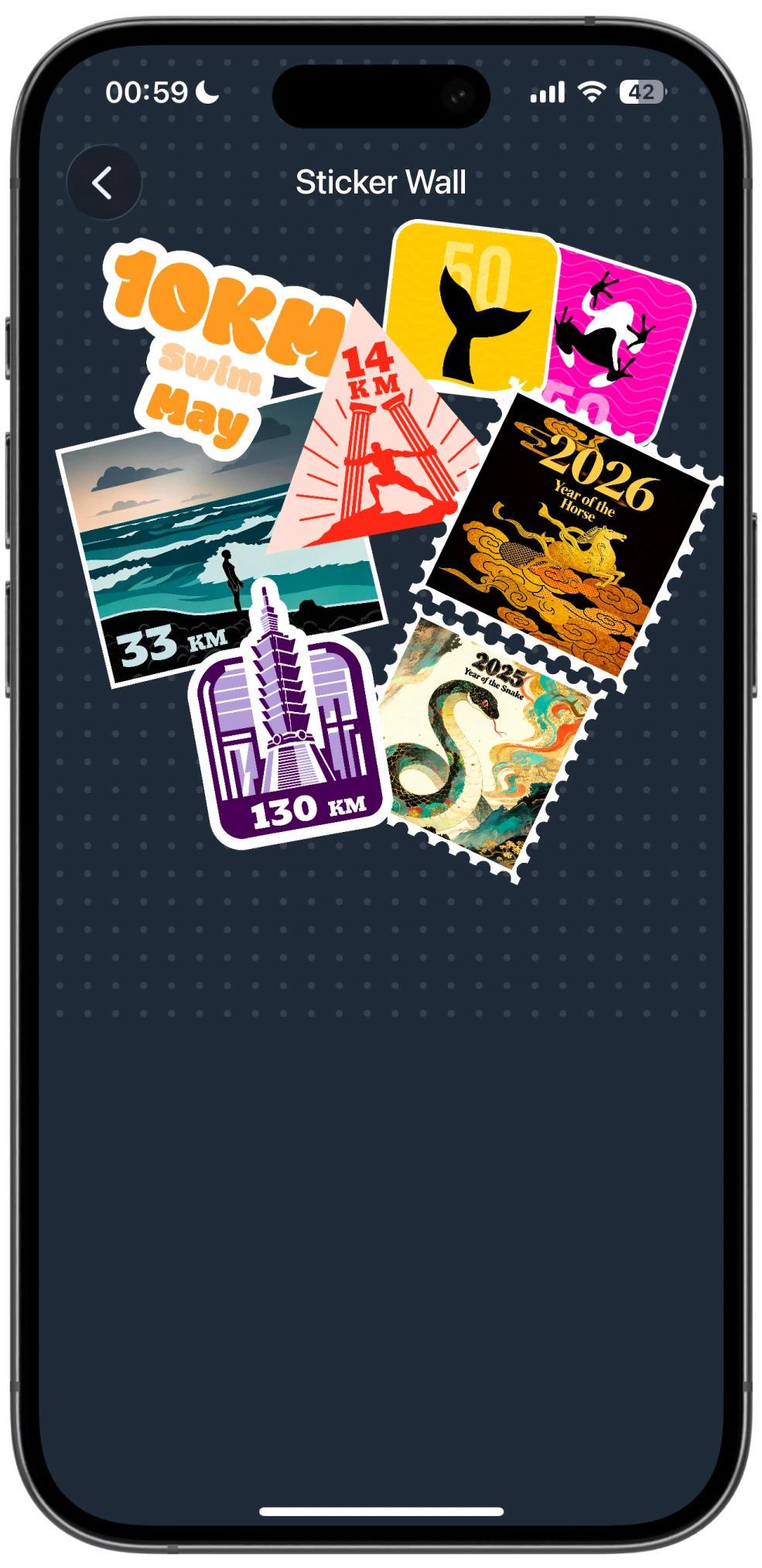
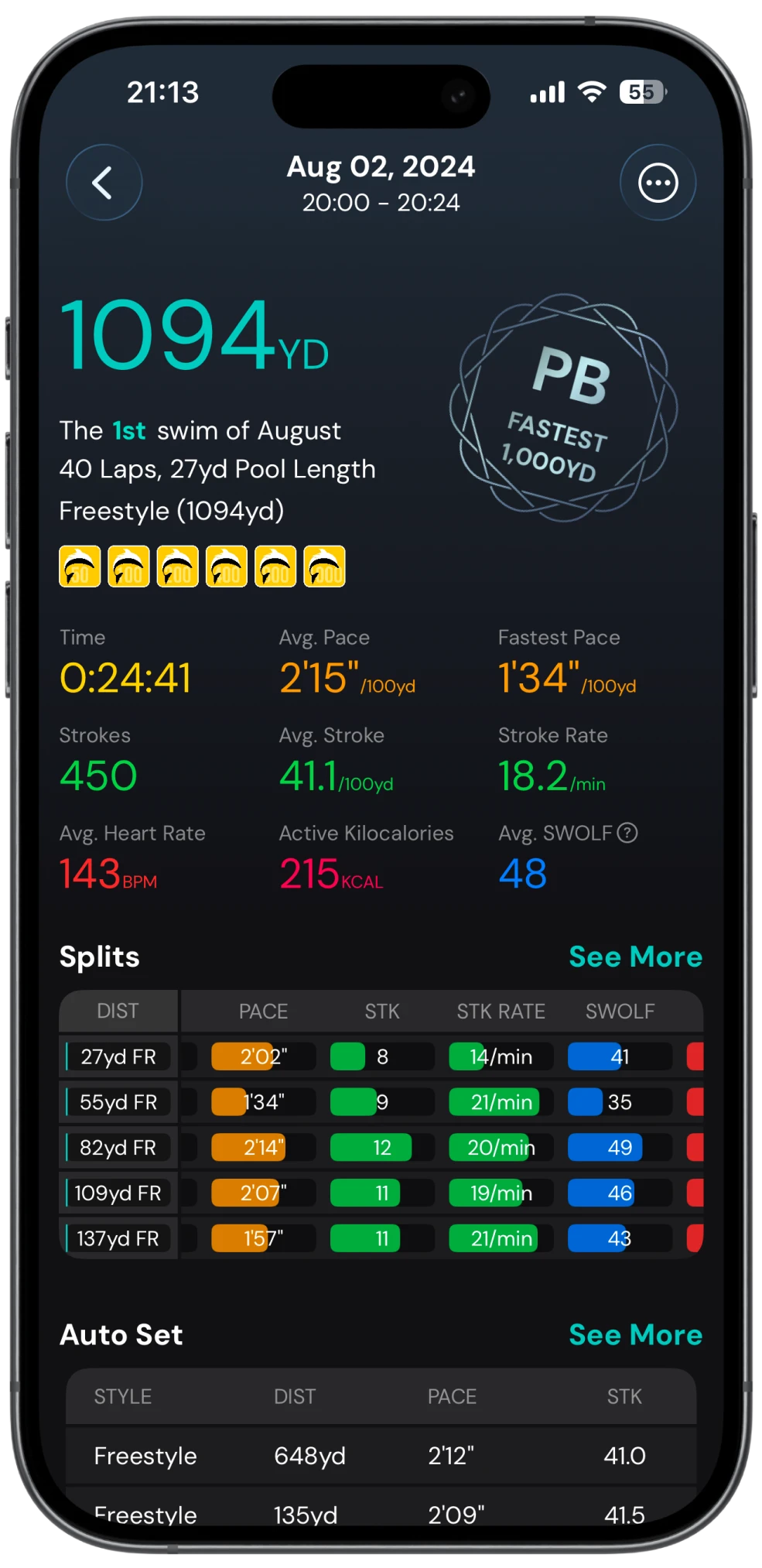
Displaying pace, stroke efficiency, SWOLF, heart rate, and more.
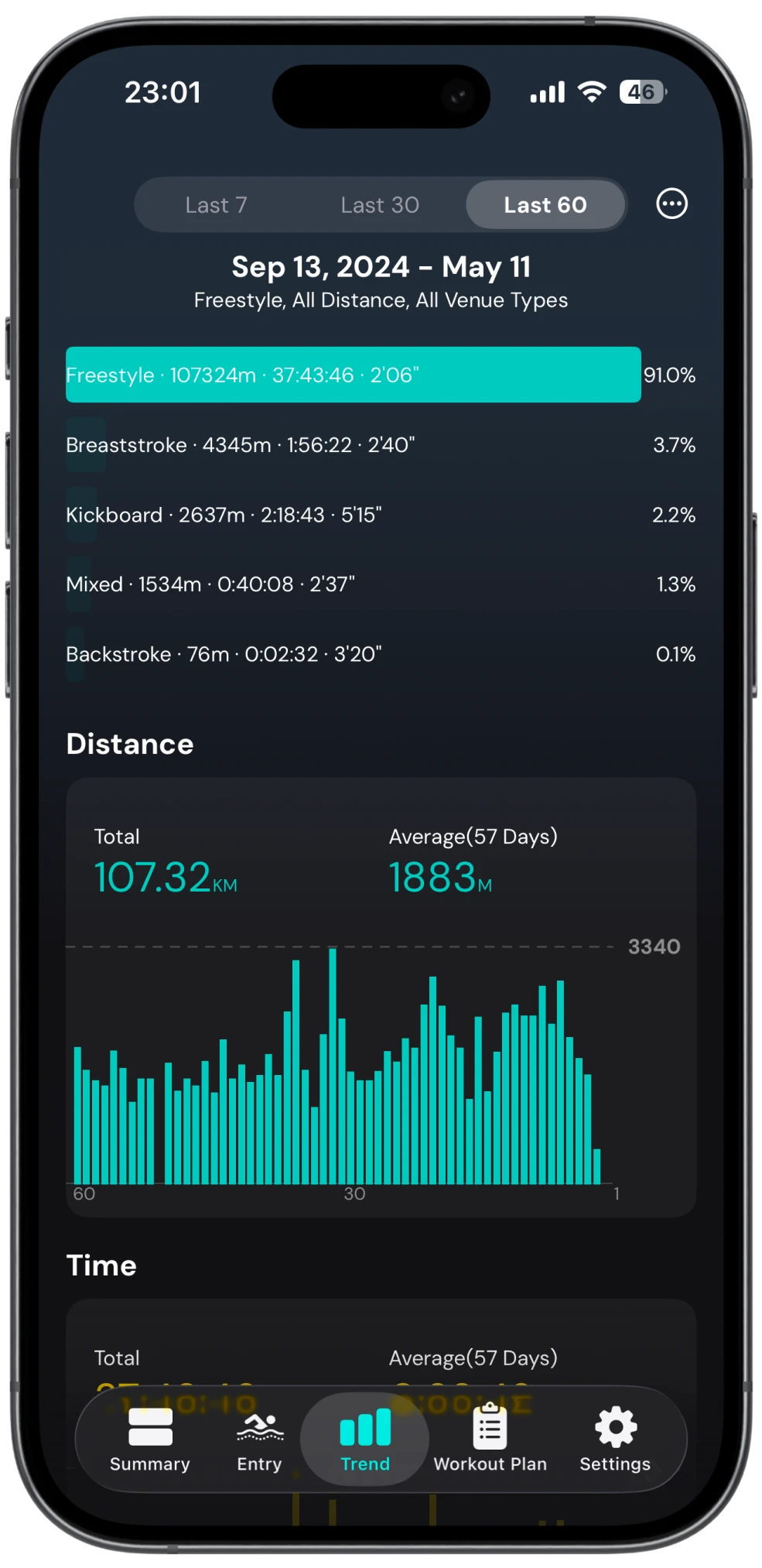
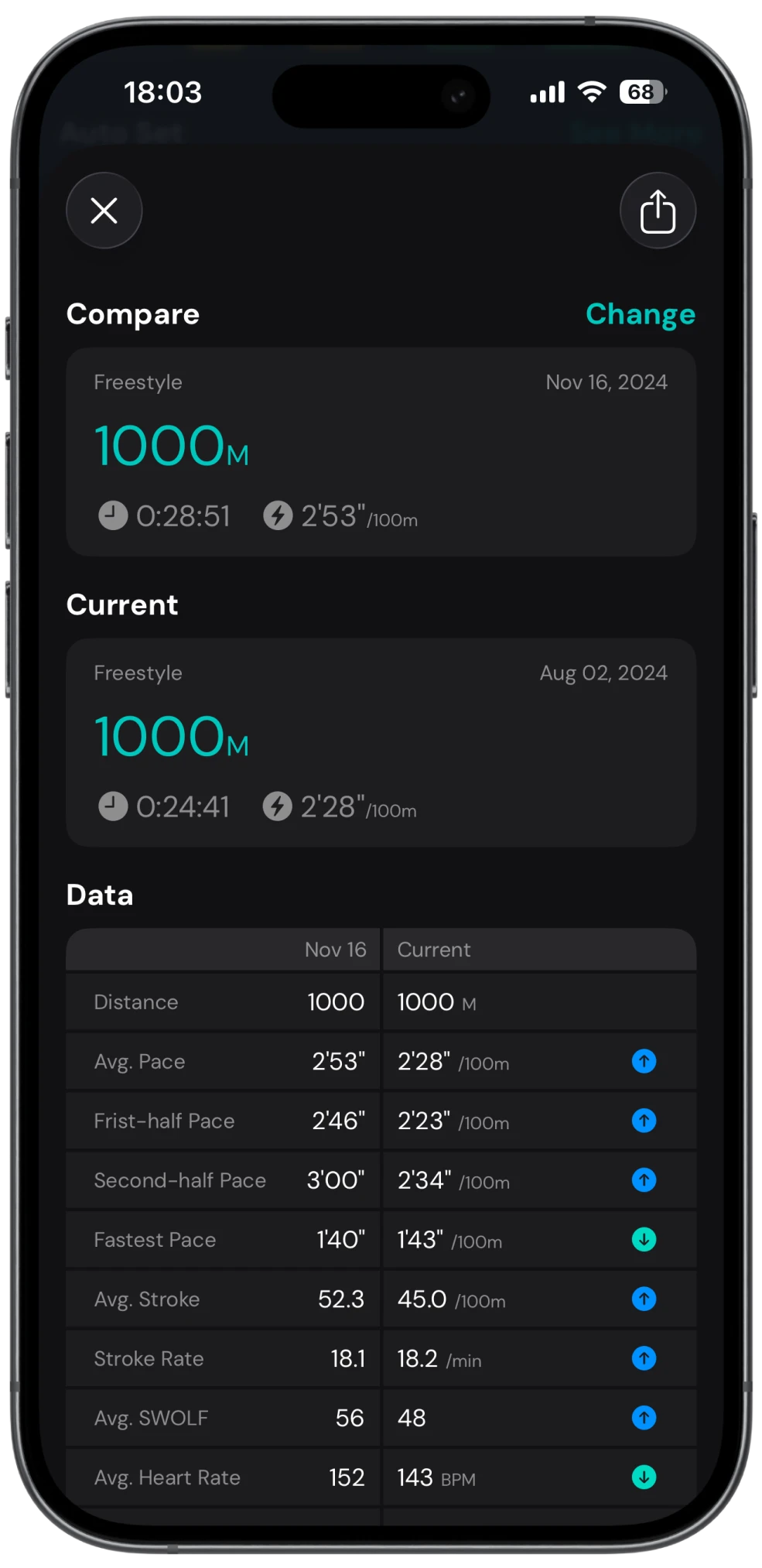
Compare pace, strokes, and heart rate side by side to see where you’re improving.
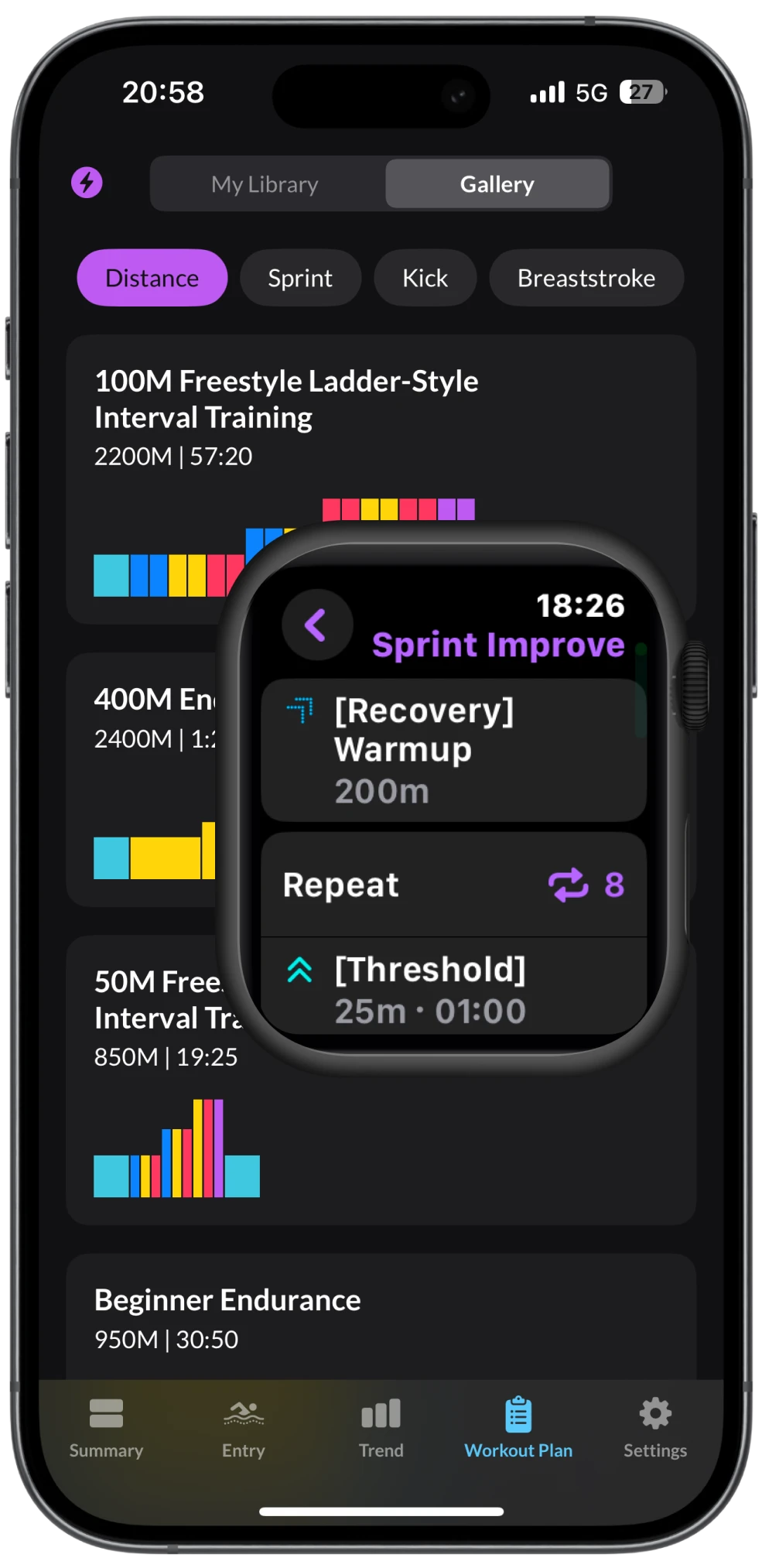
Build Your Custom Structured Swimming Plan and Import to Apple Watch.
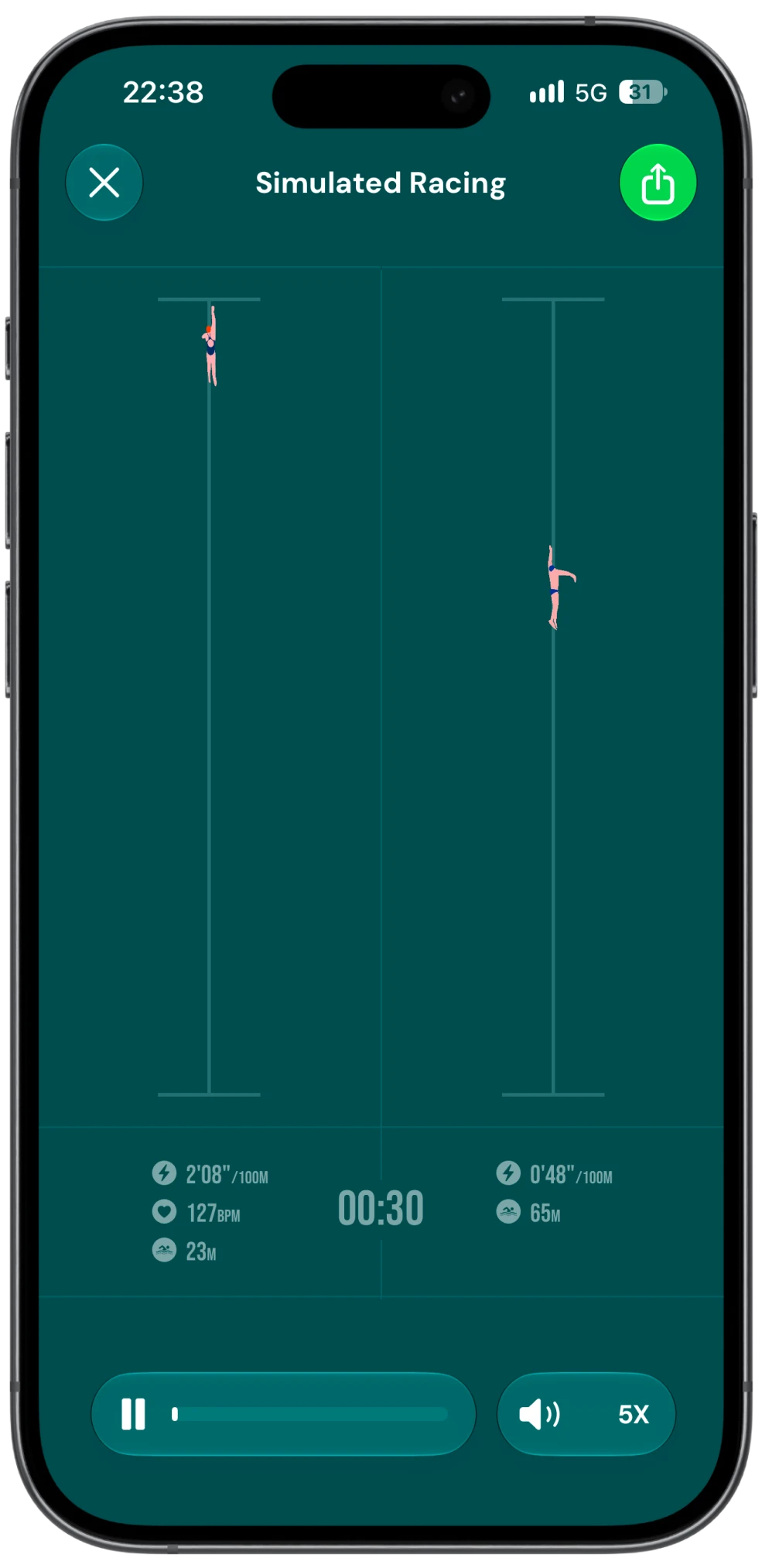
Replay your swims side by side with friends and turn every lap into a friendly race.
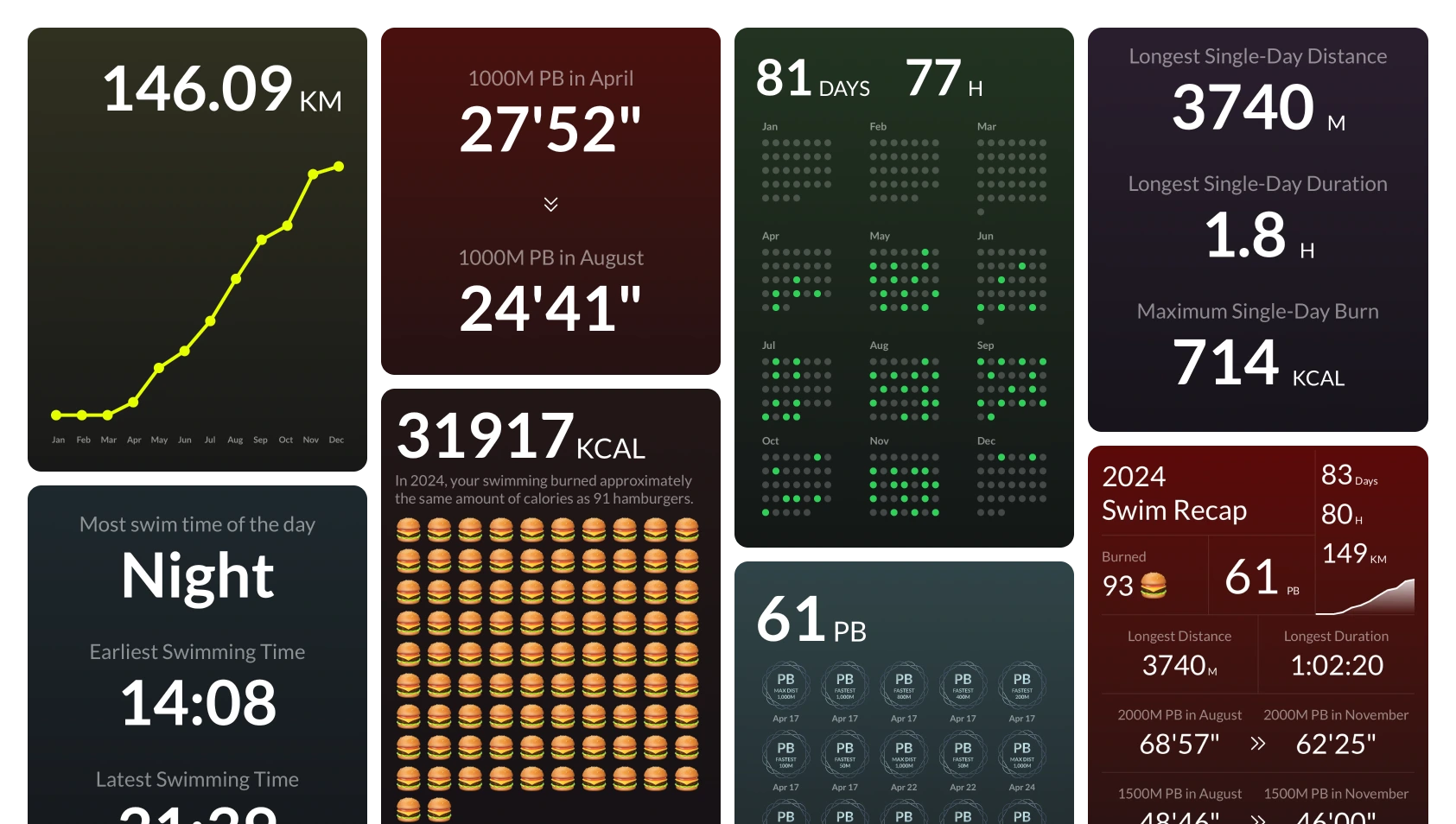
Annual and Monthly Recaps offer key insights to track your swimming progress.
SwimNow App offers more comprehensive metrics in the Splits and Auto Set views, It tracks all your essential swimming performance data with comprehensive metrics including time, distance, pace, stroke count, stroke rate, SWOLF score, heart rate, and other key technical indicators for swim analytics. with support for long screenshot exports.
| Features | Fitness |  SwimNow SwimNow |
|---|---|---|
| Total Stroke | Not available | Available |
| Stroke Rate | Not available | Available |
| Fastest Pace | Not available | Available |
| Avg. SWOLF | Not available | Available |
| Personal Records | Not available | Available |
| Day Summary | Not available | Available |
| Recent Summary | Not available | Available |
| Set Goals | Not available | Available |
| Calendar View | Not available | Available |
| Monthly Recaps | Not available | Available |
| Annual Recaps | Not available | Available |
| AI Coach | Not available | Available |
| Open Water Distance Correction | Not available | Available |
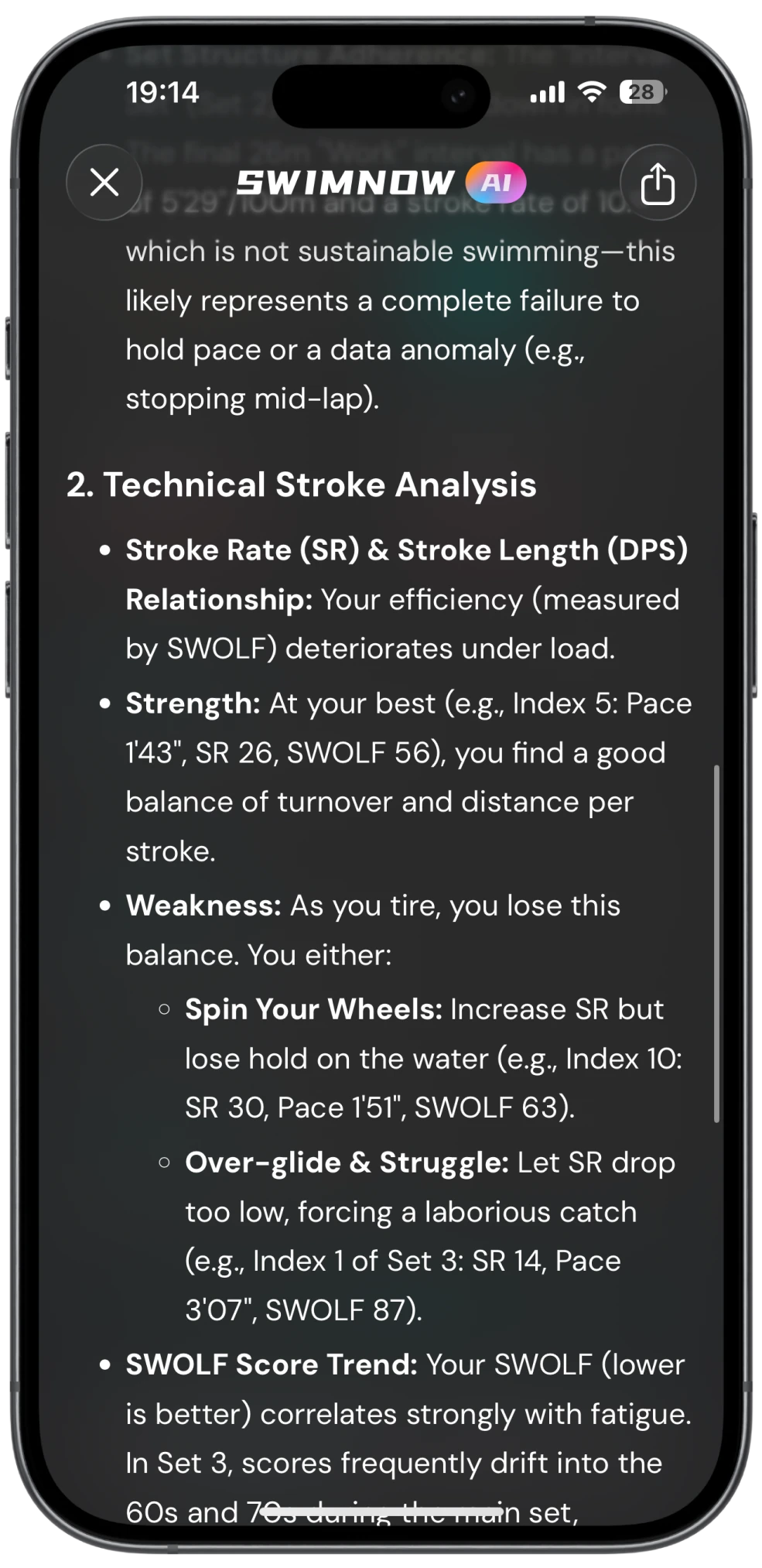
The deep-thinking AI model analyzes past data to enhance your swimming plan.
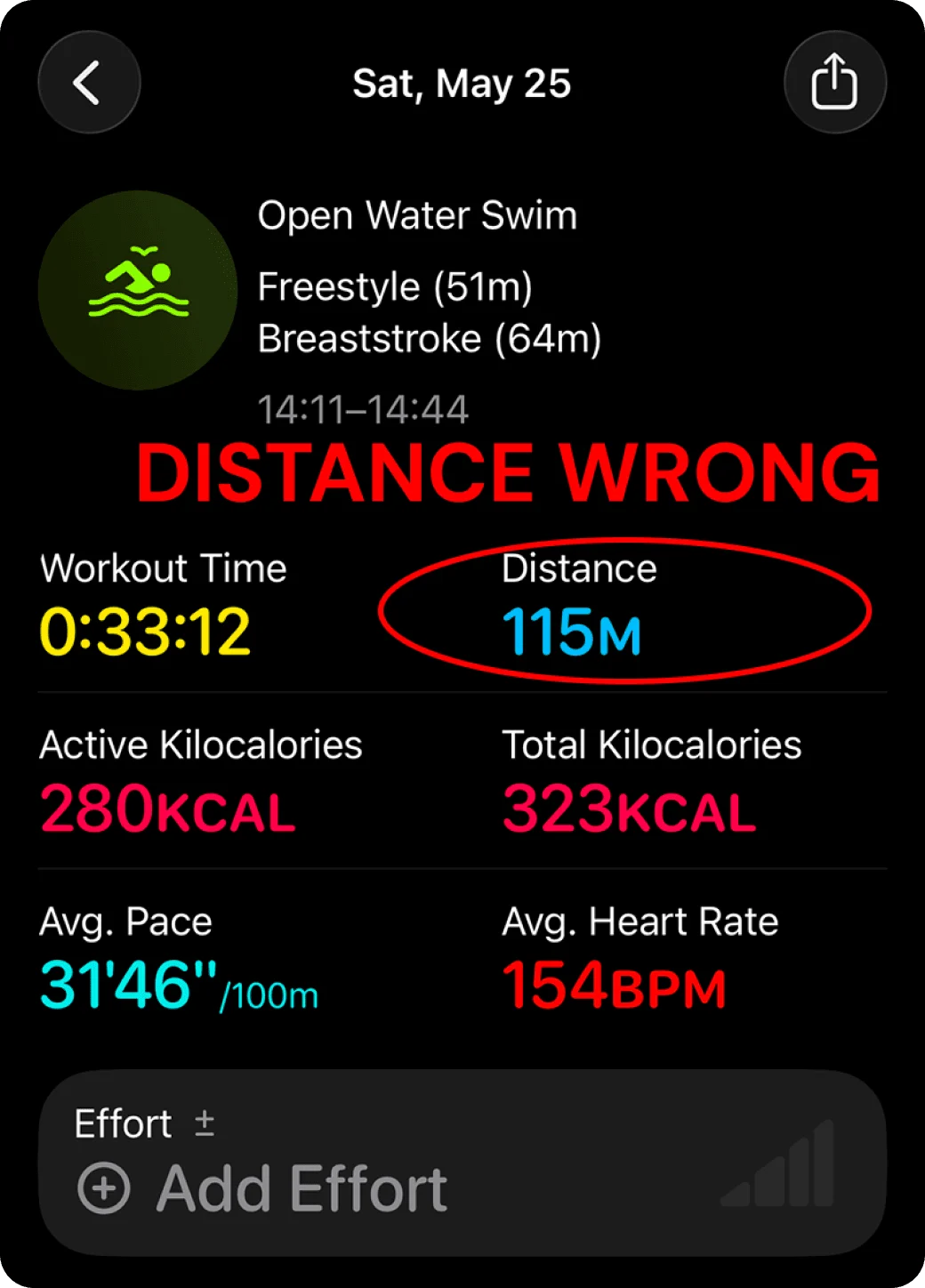
Apple Watch can underestimate open-water swim distance, especially during breaststroke.
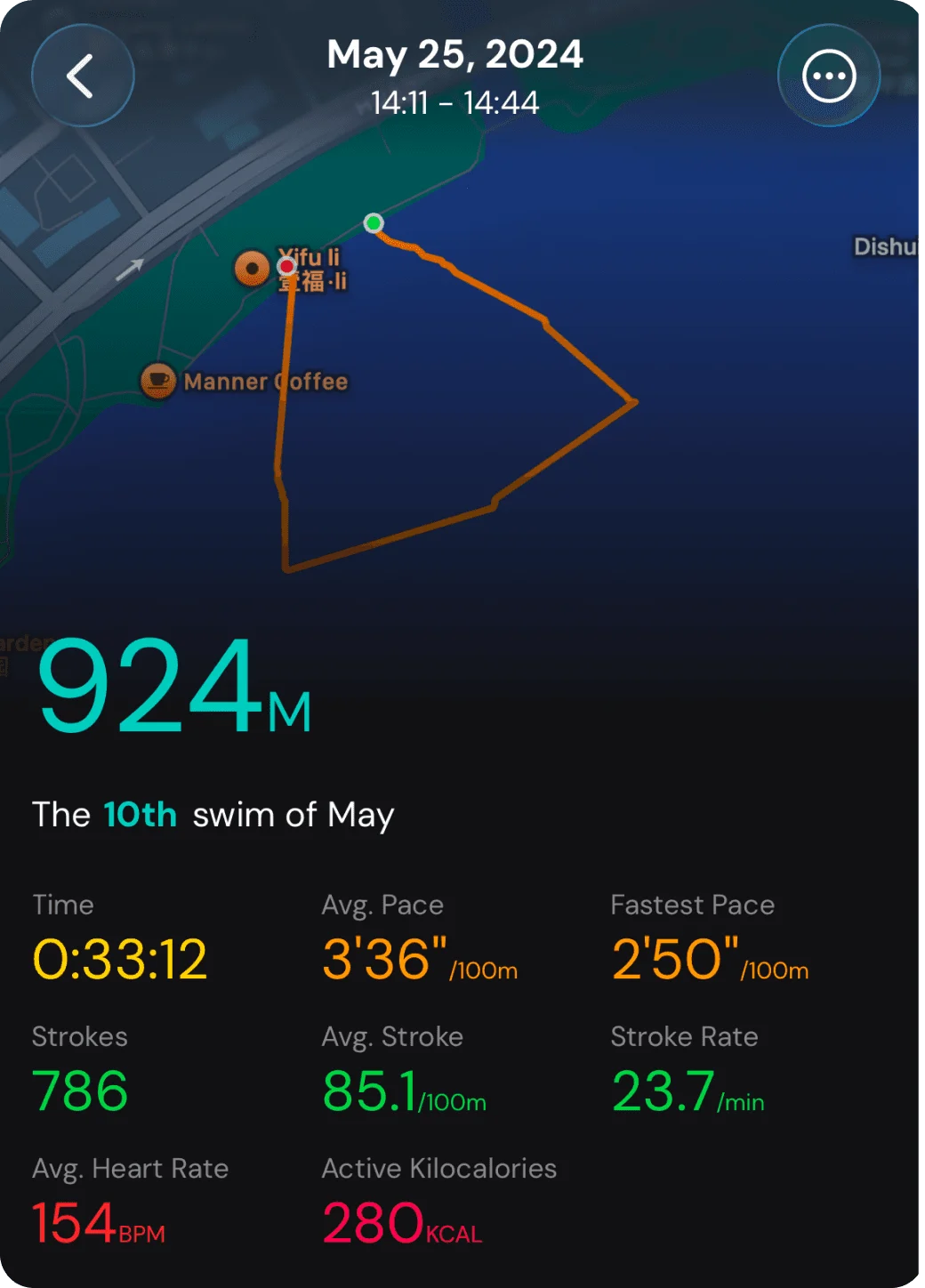
In my 1,000 m race, Apple Fitness recorded just 115 m. With SwimNow’s Distance Correction, it reached 924 m—much closer to the actual distance.
Selected App Store reviews
Useful app for data on each swim, trends and workout suggestions. The AI feature is interesting and improving with each update for session insights.5/5Highly recommended. The assessments are fair and grounded in reality.5/5Translated from the originalSuch an incredible app! My wife and I started taking fitness (mainly swimming) more seriously this year and this app is unreal. So much more data than what Apple workout sessions show, and the new Ai feature is also great and telling you how to improve!
Extremely easy to use, and the stickers add an extra motivation!
Also seeing how many calories you burnt over the weeks / months in the form of burgers is amazing and I hope that never changes 🤣5/5Excellent app. Provides a really nice month-month and year-year overview of session frequency as well as detailed analysis of individual sessions. Easy way to keep track of PBs and I love the end of year recaps and new AI insights. This app is excellent value for money, love it!5/5This app is very easy to use. It gives detail report of your swim which is recorded by native watch activities app. Very helpful for every level. Activities template is the best feature to import in apple watch.5/5This app is simple to use. This app is simple to use. I like that it is integrated with my Apple Watch without me having to do anything. I like that it tracks my progress. I am so slow that it’s hard to tell I am improving, but this app shows I am, and this gives me hope.5/5I was going around in circles trying to find my swimming workouts and manually writing my own summary and then I found this app! Thank you for creating something so easy to use and with such a great display of info. As they say understanding data is key to achieving your goals and with this app I am keeping motivated and can see my improvements easily.5/5Finally the app without BS…gets the data from Apple Health and makes it ez to read. Love it!5/5Great and informative app, easy to use and view, excellent pricing and a very fair price 😃😃😃5/5Finally, there’s a swimming app that meets all my needs! Amazing! It syncs perfectly with my Apple Watch, provides detailed swim stats, and offers insightful trend charts. Plus, setting and achieving personal goals is a breeze. Perfect for swimmers.5/5The best choice for Apple Watch swimming data Review.5/5Download it on the App Store.
Use the Apple Watch Native Fitness App for Swimming.
Review your data in the SwimNow App.
No need to download the Apple Watch app.
Help with your swimming data and settings.
SwimNow seamlessly syncs swim data via Apple Health, enabling cross-device tracking and centralized analysis
Apple Watch or Third-party apps/devices (Garmin, Sunto, etc.) upload swim metrics (distance, strokes, SWOLF) to Apple Health.(Data granularity depends on the range of metrics provided by third-party devices/apps.)
SwimNow securely pulls authorized data via Apple Health’s API. Grant permission once—done.
Open the Health app on your iPhone.
Search for Workouts.
Open the Workouts page and tap Add Data to enter your session.
SwimNow does not have an Apple Watch app. We recommend using the built-in Workout app to record your swimming sessions.
SwimNow syncs through Apple Health. Check that your swimming data is saved in the Health app.
Check Health permissions: open Health, tap your profile picture, go to Apps, select SwimNow, and enable access to all relevant data categories.
Open Settings on your iPhone.
Go to General → Language & Region.
Select First Day of the Week and choose your preferred day.
If your device supports syncing swimming data to Apple Health, SwimNow can read that data after you grant access.
Track your swims, see your progress, and plan what comes next.