Is Your Apple Watch Truly Waterproof? The Ultimate Swimming Safety Guide
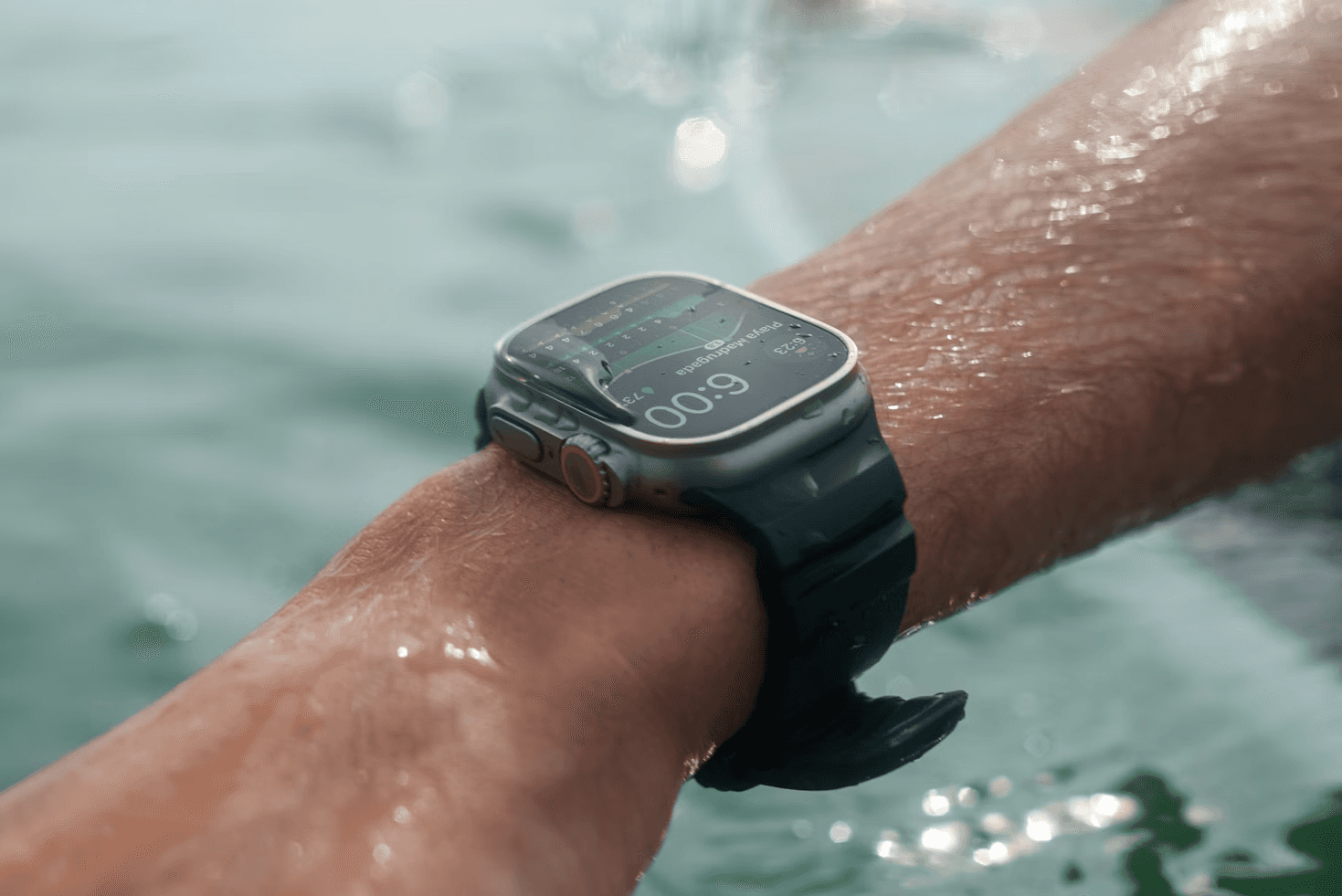
Is Your Apple Watch Waterproof? The Ultimate Apple Watch Waterproof Swimming Safety Guide
You’ve likely seen the commercials: a swimmer diving gracefully into a pool, their Apple Watch gleaming under the water. But as a coach, the most common question I get poolside isn't about lap times—it's "Is my Apple Watch actually waterproof, or am I one dive away from a $400 paperweight?"
The short answer? Your watch is water-resistant, not waterproof. Understanding that distinction is the difference between a successful training block and an expensive trip to the Genius Bar. In this guide, we’ll dive into the technical realities of Apple Watch waterproof swimming, how to protect your gaskets, and why your "Water Lock" isn't doing what you think it is.
Apple Watch Swimming — What It Actually Tracks
Before we worry about the seals, let’s talk about the data. When you toggle that "Pool Swim" or "Open Water Swim" workout, your Apple Watch transforms into a high-end swim computer.
Laps and Distance: Using the accelerometer, it detects the specific "stop-and-go" motion of a turn.
Stroke Identification: It automatically categorizes Freestyle, Breaststroke, Backstroke, and Butterfly.
SWOLF: This is your "Swimming Golf" score (Stroke count + Time for one length). It’s the gold standard for measuring efficiency.
Heart Rate: While wrist-based optical sensors struggle in water, Apple’s algorithms compensate for the "noise" to give a surprisingly accurate caloric burn.
Real-World Accuracy & Performance
In my experience coaching athletes from age-groupers to triathletes, the Apple Watch is roughly 95–98% accurate for lap counting, provided you have a clean stroke. However, it isn't perfect.
Where Accuracy Fails
The watch relies on consistent movement patterns. If you're doing "garbage yardage"—lots of mid-pool pauses or social kicking—the sensors get confused.
Scenario 1: The "Lazy Turn" Lap Miscount: If you don't perform a strong push-off from the wall, the accelerometer may not register the start of a new lap. I’ve seen swimmers lose 50 meters of a 500-meter set simply because their turns were too soft.
Scenario 2: Open Water Distance Drift: GPS signals cannot travel through water. In open water, the watch only pings a satellite when your hand is above the surface during the recovery phase of your stroke. If you swim breaststroke in the ocean, your GPS map will look like a jagged mess because the watch stays submerged.
Common Problems & Misconceptions
Let's clear the air on three major issues that kill watches every year.
"Water Lock" Makes it Waterproof: This is the biggest myth. Water Lock does not seal the watch. It simply locks the screen to prevent "ghost touches" from water droplets and then uses sound frequencies to eject water from the speaker grill afterward.
The "Shower" Trap: Many swimmers keep their watch on in the post-swim shower. This is a mistake. While water is fine, soaps, shampoos, and conditioners are surfactants that degrade the acoustic membranes and rubber gaskets over time.
High-Velocity Impact: A standard Apple Watch is rated for shallow water. If you're cliff jumping or water skiing, the sheer force of the water hitting the watch can bypass the seals, even in three feet of water.
How to Improve Tracking Accuracy
If you want pro-level data, you have to treat the device like a pro tool.
The "Snug" Rule: Wear the band one notch tighter than you do at the office. If the watch slides even half an inch during a flip turn, the heart rate data becomes useless and the lap count can lag.
Firm Wall Contact: Ensure a definitive "touch" or "kick" at every wall. The watch looks for that change in velocity.
Calibrate for Drills: If you're doing a kickboard set, the watch won't count your laps because your arms aren't moving. Use a dedicated app like SwimNow or manually add "Drill Mode" sets to ensure your total yardage is captured.
Best Use Cases
Who should use it: Fitness swimmers, triathletes, and those tracking caloric expenditure for weight loss. It’s the best "set it and forget it" device on the market.
Who should NOT use it: High-platform divers or scuba divers (unless using the Ultra). If you are consistently diving deeper than 10-15 feet, the pressure will eventually win.
Apple Watch Ultra vs. Standard Models
If you are serious about Apple Watch waterproof swimming, the model choice matters significantly.
Feature | Standard (Series 9/10/SE) | Apple Watch Ultra 2 |
Water Resistance | 50 Meters (WR50) | 100 Meters (WR100) |
Dive Rating | Not Rated | EN13319 Certified (to 40m) |
Primary Use | Pool / Light Open Water | Tech Diving / Extreme Sports |
Buttons | Digital Crown / Side Button | Action Button (Great for wet hands) |
The Verdict: For 90% of swimmers, the Series 9 is plenty. But if you swim in heavy surf or want a physical Action Button to start your workout (because touchscreens and wet fingers hate each other), the Ultra is the clear winner.
Best Apple Watch Swimming Apps
While the native Workout app is "fine," it's basic. To actually improve your swimming, you need structured data.
Native Workout App: Great for basic distance and time.
SwimNow.app: The gold standard for guided workouts and progressive training plans that sync directly to the wrist.
MySwimPro: Excellent for detailed analytics and heart rate zone breakdowns.
FAQ
Can I swim in a chlorine pool with my Apple Watch? Yes. Apple Watches are designed for pool use. However, you should always rinse the watch with fresh, non-chlorinated water after your swim to prevent chemical buildup on the seals.
Is the Apple Watch SE waterproof for swimming? The Apple Watch SE is water-resistant up to 50 meters (WR50). It is perfectly safe for surface swimming in pools or the ocean, but avoid high-speed water sports.
What happens if I don't use Water Lock while swimming? Nothing will happen to the hardware. However, the water will "tap" the screen, potentially pausing your workout or changing settings mid-lap. Always engage it before jumping in.
How do I eject water from my Apple Watch? After your swim, turn the Digital Crown to disable Water Lock. You will hear a series of beeps; this is the speaker vibrating to push moisture out of the cavity.
Can I wear my Apple Watch in a sauna or hot tub? No. Heat causes the metal components to expand and the rubber gaskets to lose their elasticity. Taking your Apple Watch into a sauna is the fastest way to ruin its water resistance.
Is salt water bad for Apple Watch? Salt water is fine, but it is corrosive. If you don't rinse the salt off thoroughly with fresh water after an ocean swim, it can crystallize in the speaker and microphone ports.
Conclusion
The Apple Watch waterproof swimming experience is world-class, but it requires respect for the hardware. Treat it like a precision instrument: rinse it after every swim, keep it away from soaps, and if you're a serious ocean enthusiast, spring for the Ultra.
Your watch is ready for the water—just make sure you're using it correctly to keep those "waterproof" seals intact for years to come.