How to Fix Apple Watch Identifying the Wrong Swimming Stroke
By SwimNow · Updated
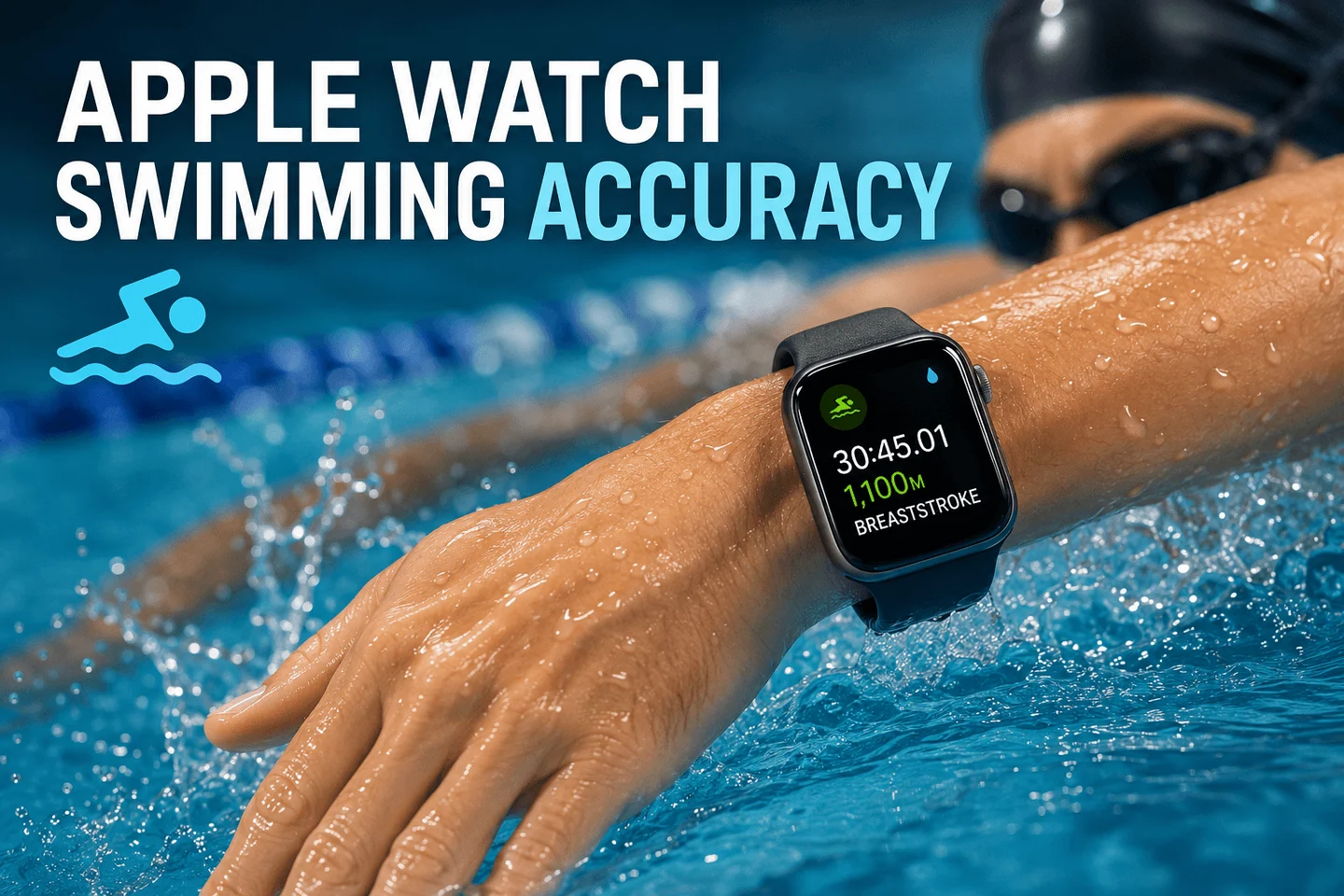
If Apple Watch records the wrong swimming stroke, check that its wrist orientation matches the wrist you actually wear it on. Then record a short set using one stroke throughout. Correct orientation is a setup check, not a guarantee that every length will be classified correctly.
Check wrist orientation
On Apple Watch, open Settings → General → Orientation and select your wearing wrist. Check the Digital Crown position as well. In the iPhone Watch app, the corresponding controls are under My Watch → General → Watch Orientation. See Apple’s orientation guide.
Test one stroke at a time
- Start a Pool Swim with the correct pool length.
- Swim a short set of complete lengths using one stroke.
- Record how many lengths you swam and which stroke you used.
- Compare the stroke labels and distance in the saved workout.
- If needed, repeat with a different stroke as a separate test.
For example, if four breaststroke lengths have the correct total distance but are labeled backstroke, record that as a classification error. If the distance is also short, investigate length detection separately.
What else should you check?
Note whether the affected lengths included a drill, a stroke change, or an interruption. A mixed-stroke length is a less useful diagnostic test than a complete length of one stroke. Wear the watch securely and use your normal swimming technique during the comparison.
Do not deliberately set the opposite wrist to force a preferred result. Apple’s orientation documentation does not establish that reversed settings are the primary cause of breaststroke being labeled backstroke.
If the same stroke is still wrong
Keep screenshots of the affected sets and record the watch model, watchOS version, wearing wrist, and actual stroke. Check for updates and repeat the test before reporting the result to Apple Support. A repeatable example is more useful than a total from a session with several strokes and drills.
For reading grouped lengths, see Auto Sets explained. For broader setup help, see the Apple Watch swimming guide.