How to Pause and Resume an Apple Watch Swim Workout
By SwimNow · Updated
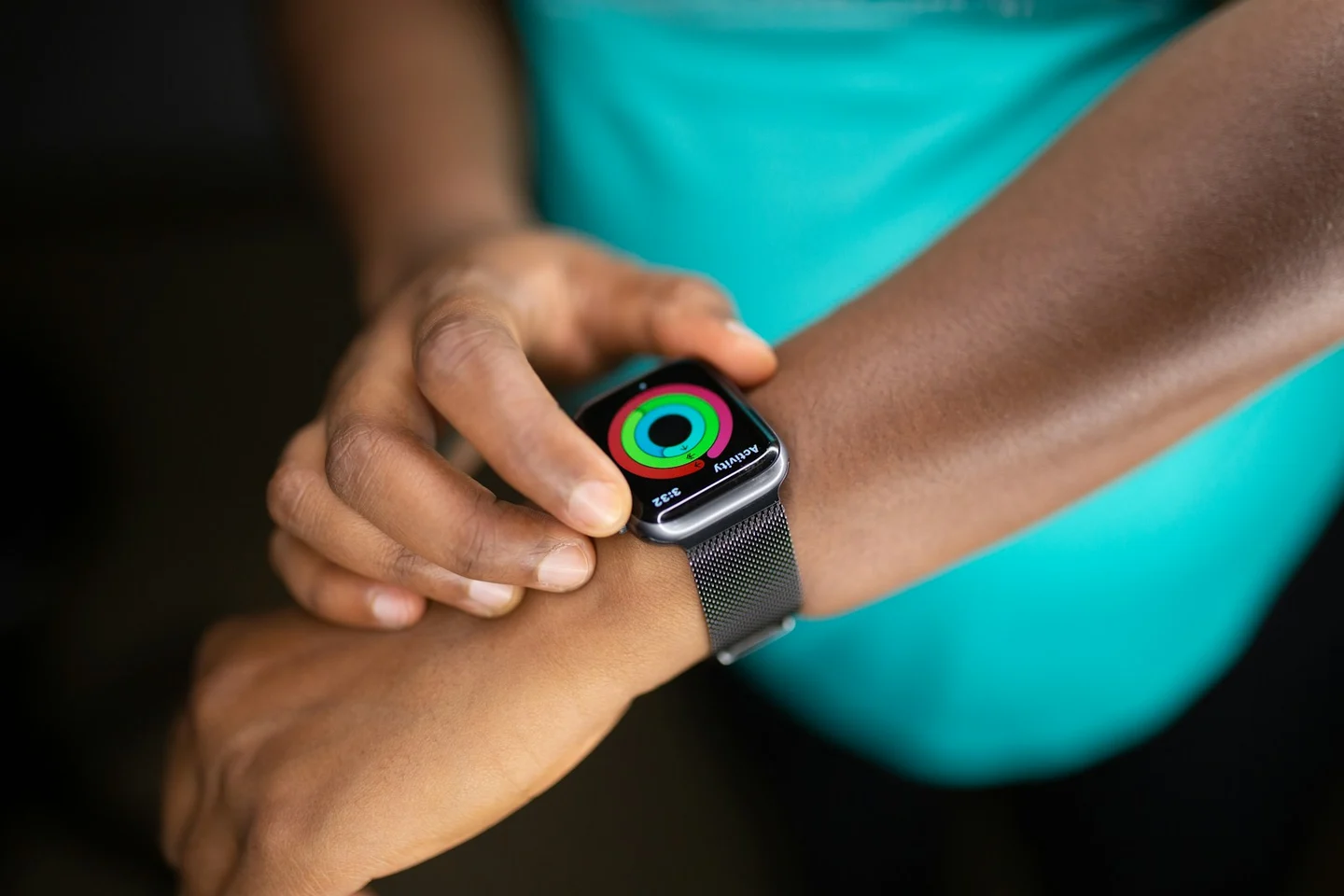
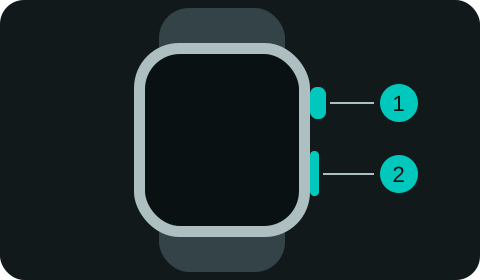
To pause a swimming workout on Apple Watch, briefly press the Digital Crown and side button together. Press them together again to resume. This shortcut works while Water Lock is active, so you do not need to unlock the touchscreen for a pause.
Enable Press to Pause
If the shortcut does not work, open the Watch app on iPhone → My Watch → Workout and check Press to Pause. Test the shortcut before your next swim so you can recognize the paused and running states.
Pause and resume at the wall
- Stop in a safe position at the wall.
- Give the Digital Crown and side button one brief simultaneous press.
- Check that the workout shows it is paused.
- Use the same brief press to resume, and confirm it is running before pushing off.
Hold neither button for this shortcut. A long press is a different action. These instructions refer to Apple’s Workout app; another recording app may use different controls. See Apple’s swimming controls.
Does resting automatically pause the workout?
A detected rest in Auto Sets is different from a manual pause. Choose a manual pause when you want the timer stopped. If you are recording planned rest intervals, keep your approach consistent so the sessions are comparable.
How to end the swim
Unlock Water Lock, open the workout controls, and choose End. Unlocking the screen alone does not mean you have ended the session. Follow the Water Lock instructions for your watchOS version if the display will not respond to touch.
If a session appears to stop without an intentional pause, use the tracking-stops checklist to distinguish a paused timer from distance that is no longer increasing.