If Apple Watch stops recording your swim, check whether the timer is paused, the workout has ended, or only the distance has stopped increasing. Use the matching fix below.
Why did the recording stop, and what should you do?
| What you see | What it means | What to do |
|---|---|---|
| The timer is paused | The workout is temporarily paused. | Resume it before continuing. See how to pause and resume a swim. |
| The timer runs, but distance stays unchanged | Pool-length detection or the pool setting may be the issue. | Check the selected pool length and complete your lengths at the wall. See distance errors and fixes. |
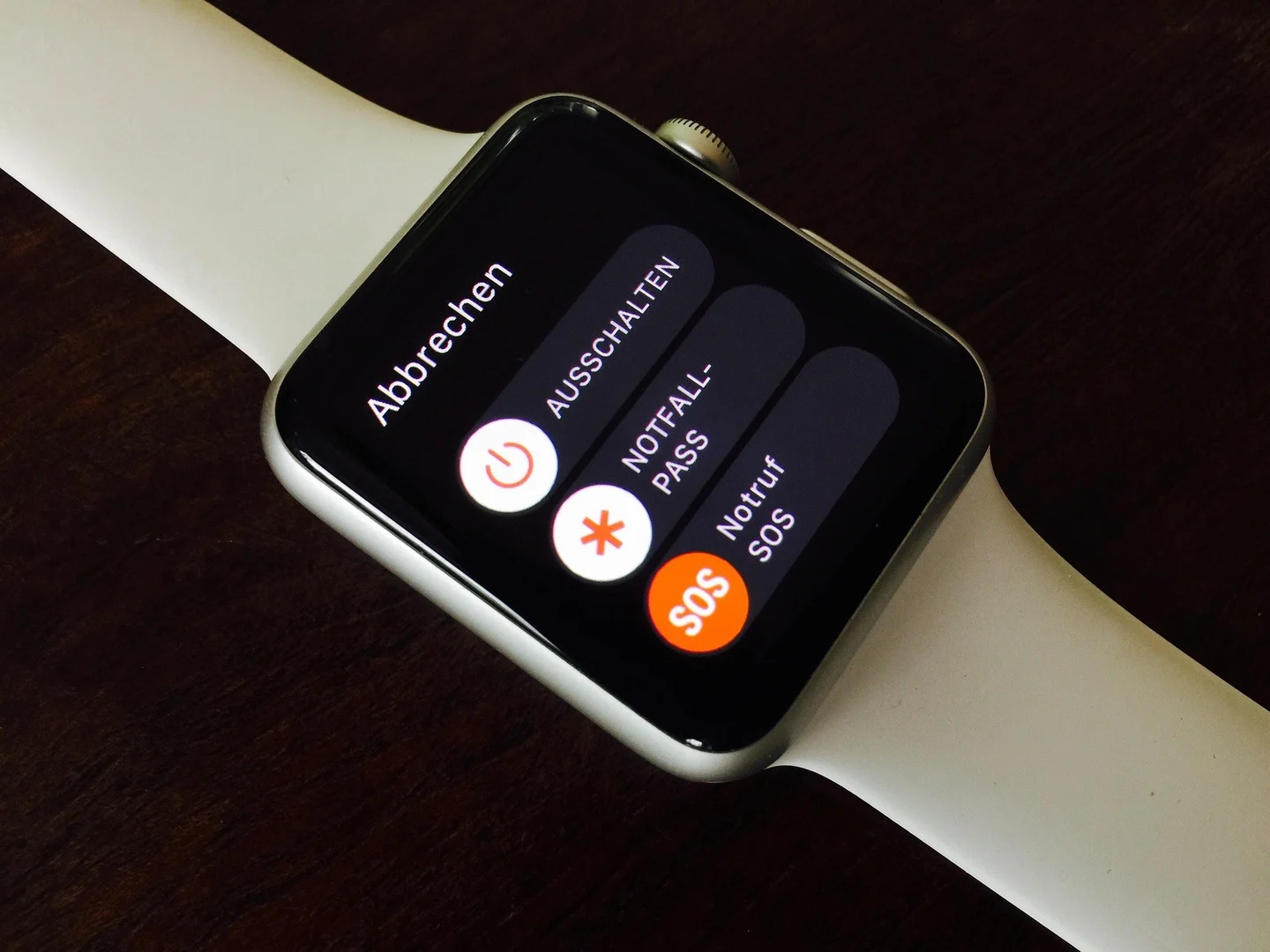
| The workout has ended or the watch restarted | The previous recording is no longer running. | Save any available record and start a new workout for the rest of your swim. Check the battery and software updates afterward. |
| Only heart rate is missing | The heart rate sensor has gaps; the workout may still be recording. | Follow the heart rate troubleshooting checklist. |
Can you correct the saved distance?
If you know the actual number of pool lengths, you can use SwimNow data correction to edit the length count, pool length and stroke labels. Total workout time stays unchanged; editing distance does not recover time that was never recorded.
What if recording keeps stopping?
After saving the workout, restart the watch normally and check for software updates. If it happens again, contact Apple Support with the affected workout and describe whether the timer paused, the distance stopped, or the watch restarted.