
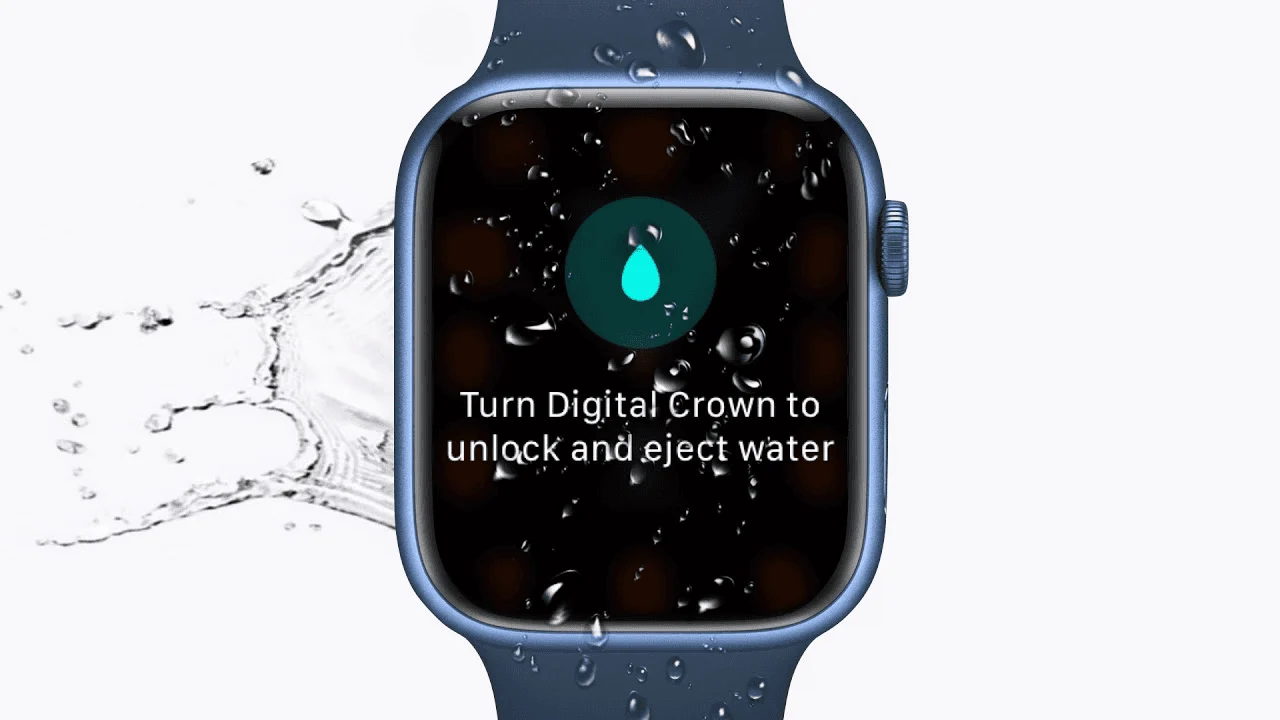
To turn off Water Lock on watchOS 9 or later, press and hold the Digital Crown until the watch says Unlocked. Let the speaker tones finish. On watchOS 8 or earlier, rotate the Crown instead. Tapping the locked display will not unlock it.
Which action unlocks your watch?
| Version | Action |
|---|---|
| watchOS 9 or later | Press and hold the Digital Crown until Unlocked appears. |
| watchOS 8 or earlier | Rotate the Digital Crown to unlock. |

See Apple’s Water Lock instructions. The tones help clear water from the speaker; they do not change the water-resistance rating.
Does unlocking end the swim?
No. Unlocking restores touchscreen input. If you have finished, use the workout’s End control. If you only want a break, follow the pause instructions. For the complete workflow, use the swimming mode setup guide.
What if the screen still will not respond?
Check whether the water-drop icon is still visible and whether you used the Crown rather than the side button. A screen that remains unresponsive after unlocking may have a different problem. Record the software version and symptoms when contacting Apple Support.
What if the speaker still sounds muffled?
Follow Apple’s cleaning and drying guidance. Do not insert objects into openings or use heat or compressed air. Before returning to the pool, check the swimming suitability guide if you are unsure about the watch’s condition.