
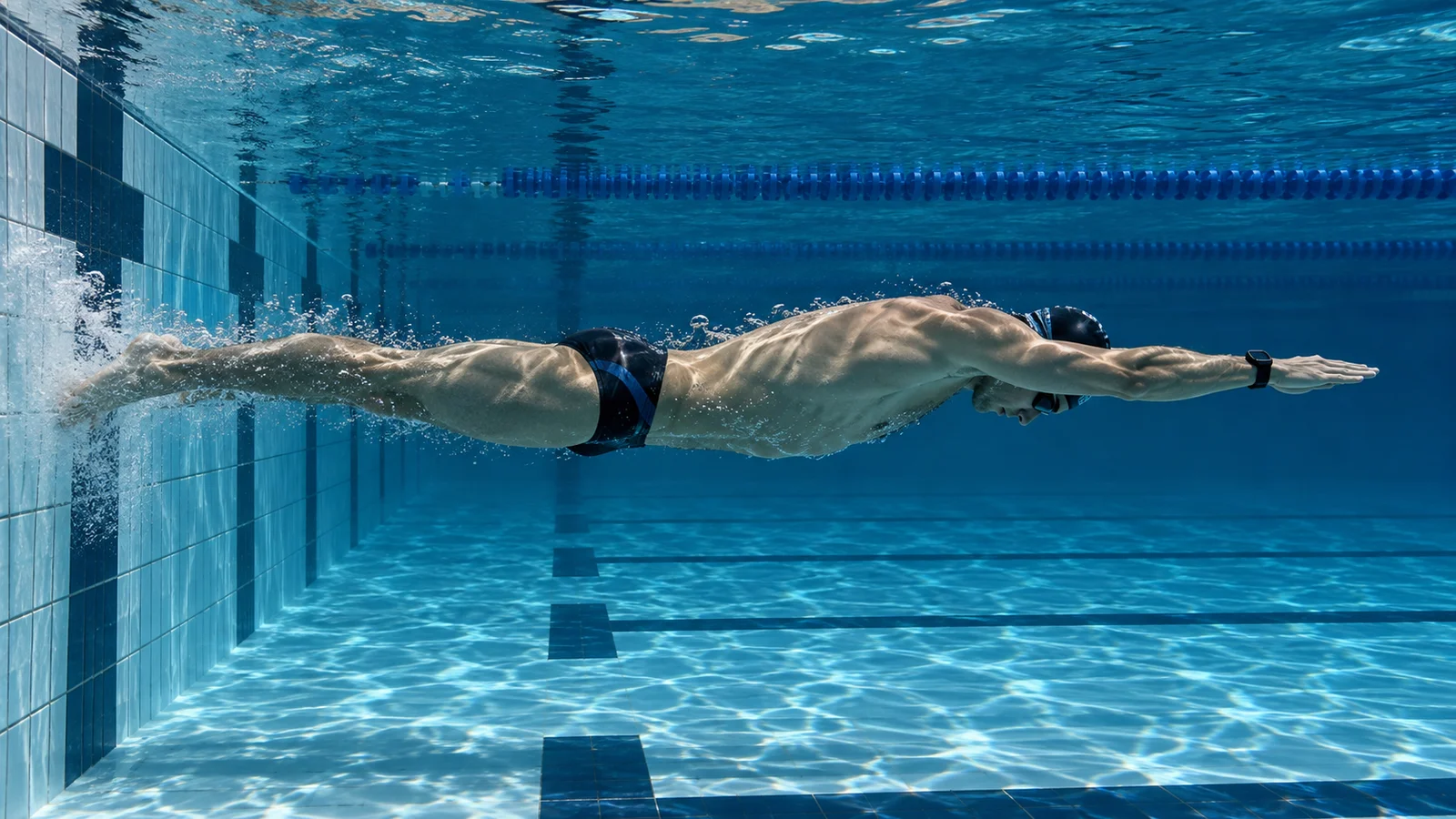
Finished your swim, but Apple Watch shows less distance than you counted? If it is missing pool lengths, one easy-to-overlook detail is how you leave the wall after each turn.
The overlooked detail: touching the wall, then drifting away
You may swim all the way to the wall, touch it, turn around and gently drift into the next length. To you, that is clearly a new length. But touching the wall alone does not tell the watch that you have started another one.
Apple describes using the accelerometer and gyroscope to count pool laps. A distinct push-off may provide a clearer movement signal than drifting away slowly. This is a possible factor to test, not proof of why a particular length was missed. Read Apple’s explanation of its swimming sensors.
Try one change on your next swim
If this sounds like your usual turn, keep the rest of your swim consistent and pay attention to how you leave the wall:
- Finish each length at the wall.
- Plant your feet and push away with a clear, controlled movement.
- Glide in a streamlined position, then resume your usual stroke.
You do not need maximum force or a flip turn. The aim is a comfortable, distinct push-off that you can repeat.
Check whether fewer lengths go missing
Select Pool Swim and confirm the pool length. Manually count eight lengths in a 25-meter pool: the expected distance is 200 meters. Here, one length means swimming from one end of the pool to the other.
Use consistent push-offs, then compare the saved distance with your count. Repeat the same short test over more than one session. One accurate result does not establish that the problem is fixed.
If Apple Watch still misses lengths
The push-off is one detail to check, not a guaranteed solution to every recording problem. If the shortfall continues, note when it happens and verify the workout type and pool-length setting before looking at other causes.