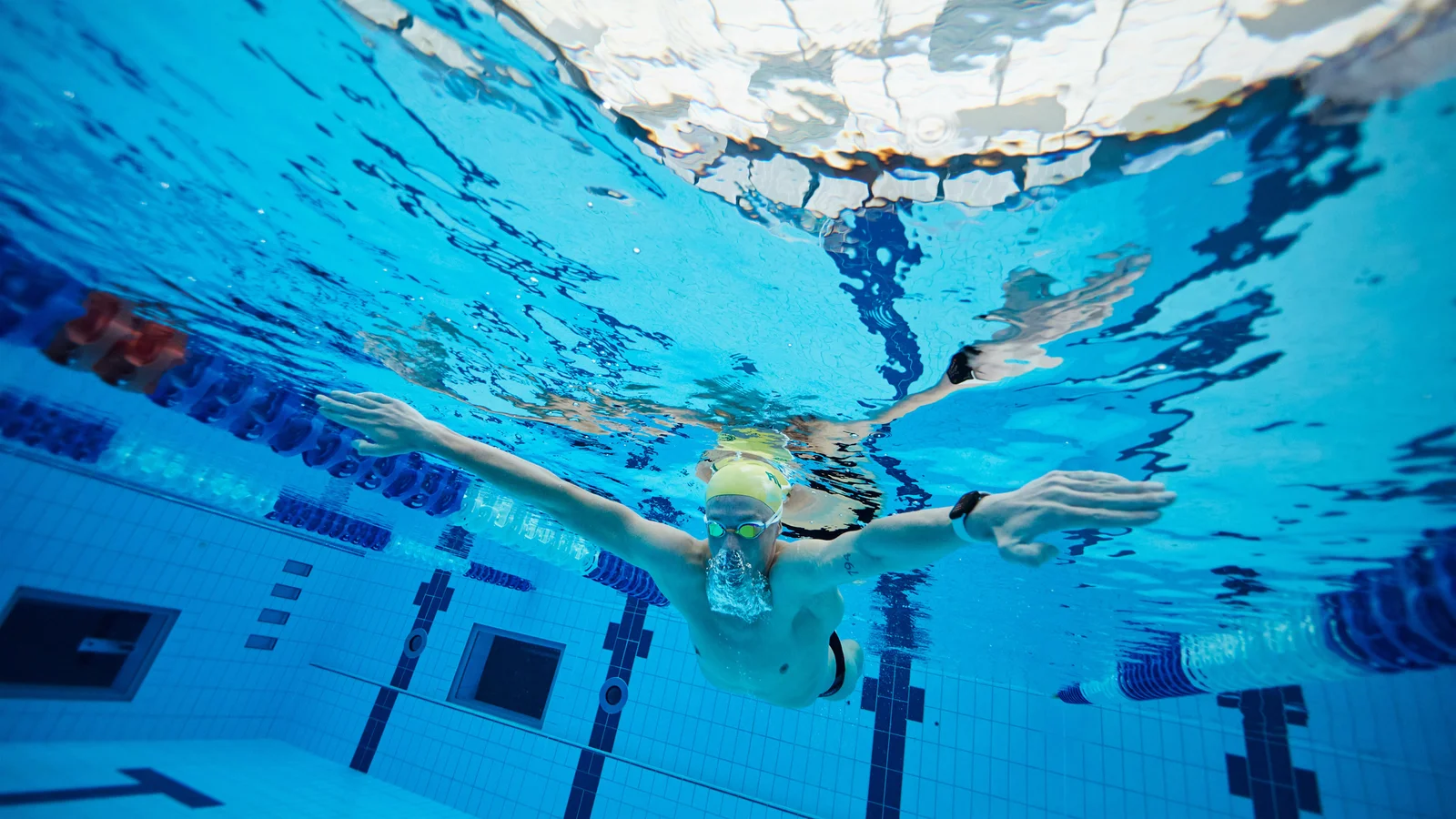
Cover photo: Apple Newsroom, 2022. Zac Stubblety-Cook training with Apple Watch.
For everyday swim recording, start with Apple’s Workout app. Choose Swim.com for a free swimming app with workouts and community features, MySwimPro for guided training, or SwimNow to analyze swims you already record with Apple Watch. The best choice depends on what you need before, during and after a session.
This 2026 guide compares four options by recording workflow, training support, analysis and payment model. Features were checked against official documentation and US App Store listings on September 22, 2026. SwimNow publishes this guide and is one of the products included.
Which Apple Watch swim app should you choose?
| App | Choose it for | Workflow | Payment model |
|---|---|---|---|
| Apple Workout | Everyday swim recording | Record on Apple Watch; review in Fitness | Included with Apple Watch |
| Swim.com | Free workouts and community | Watch recording plus an iPhone app | Listed as free |
| MySwimPro | Guided training and plans | Load a workout and follow it on your watch | Subscription for premium training features |
| SwimNow | Reviewing splits and progress | iPhone companion using Apple Health swim data | Free download; annual and one-time purchase options |
Feature and payment sources are linked below. Check your local store and in-app purchase screen for current prices and included features.
Match the app to the problem you want to solve
| Your priority | Start with | What to evaluate |
|---|---|---|
| Record a session you already know | Apple Workout | Can you start, pause and review it comfortably? |
| Find free sessions and club motivation | Swim.com | Do its workouts and community fit your routine? |
| Follow a training plan on your wrist | MySwimPro | Are the prescribed sessions and interval prompts useful? |
| Understand changes in recorded performance | SwimNow | Can you answer a specific question using your swim history? |
| Investigate an incorrect distance | Pool settings and SwimNow data correction | Check pool length and units with the distance checklist, then correct the saved record. |
Apple Workout: best starting point for everyday swimming
If you already know what you plan to swim, try the built-in app first. It supports Pool Swim and Open Water Swim, and pool sessions automatically track sets and rest. You can review the saved workout in Fitness on iPhone. See Apple’s swimming guide.
It also supports more than an unstructured distance goal: Apple introduced custom pool swimming workouts through WorkoutKit in watchOS 11. The available controls depend on your software version; see Apple’s custom swimming workout overview.
Choose it when: you want to record a familiar session without adding another service. Our swimming mode guide walks through the setup.
Consider another option when: you want a training plan chosen for you, a swimming community, or a different way to examine your history. Identify that missing feature before paying for an app.
Swim.com: best free option for workouts and community
Swim.com combines Apple Watch recording with a workout library, a workout editor, clubs and leaderboards. Its listing also describes Drill Mode and Apple Health integration, including reading swims recorded by Apple Workout. The official Swim.com App Store listing lists the app and its workout library as free.
Choose it when: you want workout ideas and social motivation without starting with a paid training subscription. Someone who enjoys club challenges may get more value from that community than from another chart.
Check before committing: build one of your usual sets and try its watch workflow. A workout library is useful only if you can find, edit and follow sessions that suit your pool time. Follow the Swim.com Apple Watch instructions for setup.
MySwimPro: best fit for guided swim training
MySwimPro is worth considering when deciding what to swim is part of the problem. Its official listing describes personalized plans, a workout library, technique resources and premium training features through a subscription.
On Apple Watch, you can load a guided workout or record an unguided pool or open-water session. Guided workouts manage repetitions and intervals; the app also documents a Drill Mode. See MySwimPro’s Apple Watch guide.
Choose it when: you want a planned session to follow on your wrist and expect to use the training resources regularly.
Check before paying: try a workout at your current ability and confirm you understand the interval prompts at the wall. Judge the subscription by whether it helps you train consistently, not by how many features appear in the library. Review the current subscription details for access and billing terms.
SwimNow: best fit for analyzing Apple Watch swim history
SwimNow is an iPhone companion for swimmers who want more detail from recorded sessions. It reads swimming data through Apple Health and provides lap and interval metrics, comparisons between two swims, personal bests and trends. Its listing also describes sending structured workouts to Apple Watch.
The official SwimNow listing identifies it as an iPhone app with in-app purchases, including annual and one-time options. That distinction matters: you can keep recording in Apple Workout and use SwimNow afterward to review the data.
Choose it when: your question is “Where did my pace change?” or “Am I improving across similar swims?” rather than simply “How far did I swim?”
Check before upgrading: grant the relevant Health permissions and inspect a familiar workout. Confirm the metrics you need are present in its source data and available in the purchase option you are considering.
Costs and checks before you commit
Compare the cost of the feature you need, not just the download button. These payment categories reflect the official sources linked above; exact offers can differ by region and change over time.
| Option | Budget consideration | Check first |
|---|---|---|
| Apple Workout | No separate app purchase | Whether the included recording and review meet your needs |
| Swim.com | Free app and workout library | Whether your usual session works well in the app |
| MySwimPro | Recurring payment for premium training | Included plan features, billing period and any trial renewal terms |
| SwimNow | Annual or one-time purchase options | Unlocked features and which option suits your expected use |
Frequently asked questions
Do I need a paid app to swim with Apple Watch?
No. Start with the included Workout app. Pay for an additional app when you have identified a training or analysis feature you will use.
Can I keep Apple Workout and add another app later?
Yes. SwimNow and Swim.com document Apple Health integration. Check the imported detail on an existing session before relying on a new workflow; a workout total alone does not tell you which lap-level fields are available.
Which app counts laps most accurately?
There is no like-for-like accuracy test behind this comparison. For incorrect pool distance, start with the settings checklist; SwimNow can correct saved records.
What should a beginner install first?
Begin with the recording workflow you can operate confidently. After a few sessions, decide whether your next need is choosing workouts, following intervals, or understanding your progress. Use the comparison above to address that need.